
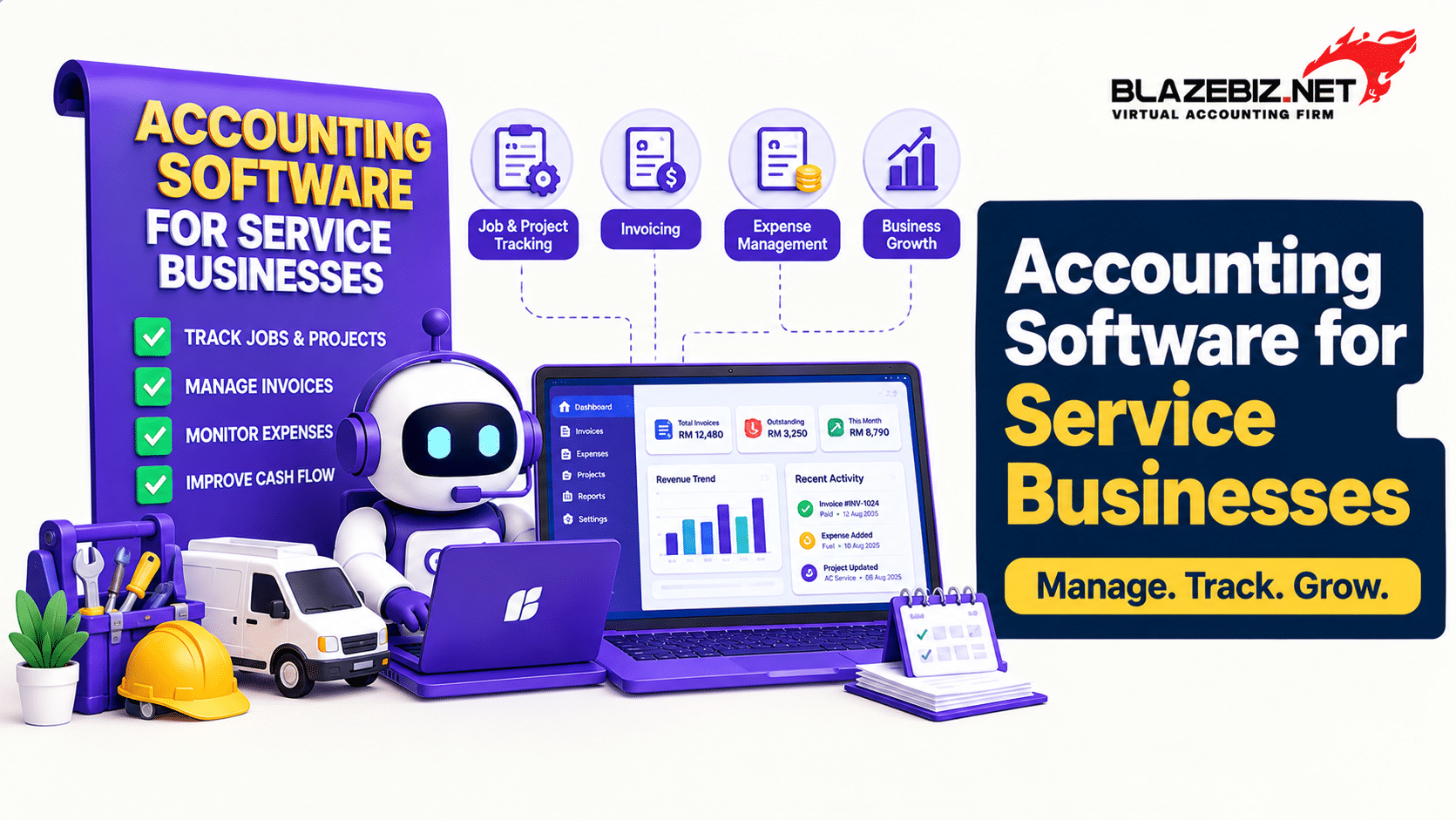
Service businesses have different accounting needs from retailers, wholesalers and manufacturing companies. Instead of focusing heavily on stock management, service companies often need efficient invoicing, customer management, expense tracking, payment monitoring and financial reporting.
As a service business grows, managing these processes through spreadsheets and disconnected files can become time-consuming. Accounting software can provide a centralised system for recording transactions and monitoring financial performance.
This guide explains what Malaysian service businesses should look for when choosing accounting software and how the right features can support day-to-day financial management.
What Is Accounting Software for a Service Business?
Accounting software for a service business is a system used to manage financial transactions such as customer invoices, purchases, expenses, payments, supplier transactions and financial reports.
Unlike product-based businesses, service companies may have fewer inventory requirements. Their accounting workflow is often centred around customers, projects, invoices, employee costs, operating expenses and collections.
Examples of service businesses include:
- Professional consulting firms
- Marketing and advertising agencies
- IT and software service providers
- Engineering consultants
- Training and education providers
- Maintenance and repair businesses
- Professional firms
- Design and creative agencies
- Business support service providers
- Other companies that primarily sell services rather than physical products
Why Service Businesses Need Proper Accounting Management
A service business can have strong sales but still face financial challenges if invoices are not tracked properly, expenses are missed or customer payments are delayed.
Accurate accounting helps business owners understand:
- Total revenue
- Outstanding customer payments
- Business expenses
- Supplier obligations
- Profit and loss
- Cash position
- Tax-related financial information
- Overall business performance
Having these records in one organised system can make financial administration easier as transaction volumes increase.
7 Important Accounting Software Features for Service Businesses
1. Customer Invoicing
Invoicing is one of the most important accounting functions for a service business.
Businesses should be able to create professional invoices, maintain customer information and track which invoices have been paid or remain outstanding.
If your business sends a large number of invoices, features such as bulk invoice creation or importing customer information can also reduce administrative work.
2. Accounts Receivable Management
Generating an invoice is only one part of the sales process. The business also needs to know whether customers have paid.
A good accounting system should make it easier to monitor:
- Outstanding invoices
- Payment due dates
- Customer balances
- Overdue amounts
- Payment history
- Customer statements
This gives finance teams better visibility over accounts receivable and helps them follow up on overdue payments.
For more information, see our guide on how to track outstanding customer payments effectively.
3. Expense Management
Service businesses often have operating expenses such as software subscriptions, employee-related costs, rent, utilities, professional fees, travel and marketing.
Recording expenses consistently helps ensure that financial reports reflect the actual cost of operating the business.
A structured accounting system can also help businesses classify expenses into appropriate accounts and review spending over time.
4. Supplier and Accounts Payable Management
Service businesses may have fewer physical purchases than retailers, but they still need to manage supplier invoices and payments.
Accounting software can help maintain supplier records, record purchases, monitor outstanding balances and keep payment information organised.
Read our guide to accounts payable management for Malaysian SMEs for more information.
5. Financial Reporting
Service business owners need more than a list of transactions. They need reports that help them understand business performance.
Common financial reports include:
- Profit and loss statement
- Balance sheet
- Trial balance
- General ledger
- Customer statements
- Supplier reports
- Receipt and payment reports
- Accounts receivable reports
- Accounts payable reports
SQL Accounting provides financial reporting functions including profit and loss, balance sheet, trial balance, ledger and receipt and payment reports. Its reporting tools also support drill-down into source documents. Learn more about SQL Accounting.
6. Bank Reconciliation
Service businesses receive and make payments through bank accounts regularly. Keeping accounting records aligned with bank transactions is therefore an important part of financial control.
Bank reconciliation helps businesses identify differences between accounting records and bank transactions and review unmatched items.
Read our guide on automating bank reconciliation for Malaysian SMEs.
7. e-Invoice Support
For Malaysian businesses, e-Invoice requirements are an important consideration when selecting accounting software.
Service businesses should consider how their invoicing process connects with their e-Invoice workflow so that customer information and transaction records can be managed efficiently.
Businesses should always check the latest requirements and implementation information from the Inland Revenue Board of Malaysia before changing their processes.
Learn more about e-Invoice solutions from BlazeBiz.
Manual Accounting vs Accounting Software for Service Businesses
| Area | Manual / Spreadsheet Process | Accounting Software |
|---|---|---|
| Customer invoices | Created and tracked manually | Managed within the accounting system |
| Payment tracking | Requires manual updates | Customer balances can be monitored centrally |
| Expenses | Often maintained across spreadsheets or files | Recorded in structured accounts |
| Supplier records | Separate files or spreadsheets | Centralised supplier records |
| Financial reports | May require manual preparation | Generated from accounting records |
| Bank reconciliation | More manual checking | Can be supported by accounting software tools |
| Scalability | Can become difficult as transactions increase | Designed to handle structured transaction data |
How to Choose Accounting Software for a Service Business
Not every service business needs the same accounting setup. Before choosing software, identify the processes that your team performs regularly.
- List your current accounting processes.
- Identify which tasks are still managed through Excel or manual records.
- Determine how many users require access.
- Identify your invoicing and payment-tracking requirements.
- Review your reporting requirements.
- Check whether you need inventory, payroll, POS or other business modules.
- Review your e-Invoice requirements.
- Compare cloud and desktop options if both are available.
- Consider implementation, training and ongoing support.
- Test the software using a realistic example from your business.
This approach helps you choose software based on your actual workflow rather than simply comparing feature lists.
Signs Your Service Business Has Outgrown Excel
Excel can be useful for basic financial tracking, but growing transaction volumes can make spreadsheet-based accounting increasingly difficult to manage.
You may need dedicated accounting software if:
- Your team enters the same information multiple times.
- Customer payment tracking takes too much time.
- You maintain multiple accounting spreadsheets.
- Financial reports require significant manual preparation.
- Invoices are sometimes missed or duplicated.
- Supplier balances are difficult to track.
- Bank reconciliation is performed manually.
- Management cannot easily access current financial information.
- Your transaction volume is growing quickly.
- Your business needs a more structured e-Invoice workflow.
How SQL Accounting Can Support Service Businesses
SQL Accounting provides accounting functions that can support businesses across different industries, including service-based organisations.
Depending on the selected version, modules and configuration, businesses can manage areas such as:
- General ledger
- Customer accounts
- Supplier accounts
- Sales transactions
- Purchase transactions
- Accounts receivable
- Accounts payable
- Financial reporting
- Banking-related accounting records
- e-Invoice-related workflows
SQL Accounting also provides customer features such as bulk invoice entry, customer credit controls and batch emailing of customer invoices or statements. Explore SQL Accounting features.
The exact functions available depend on the selected product, modules and configuration, so businesses should confirm their requirements before implementation.
Accounting Workflow for a Typical Service Business
A simple service-business accounting workflow may look like this:
- Customer requests a service or quotation.
- The business provides the service according to the agreed terms.
- An invoice is issued to the customer.
- The invoice is recorded in the accounting system.
- The customer payment is monitored.
- Business expenses are recorded.
- Supplier invoices and payments are recorded.
- Bank transactions are reconciled.
- Financial reports are generated.
- Management reviews revenue, expenses, profitability and outstanding balances.
A centralised accounting system can help connect these financial activities and reduce the need to maintain separate records.
What Financial Reports Should Service Businesses Monitor?
The exact reports depend on the business, but service companies commonly benefit from monitoring:
- Profit and loss statement
- Balance sheet
- Accounts receivable ageing
- Accounts payable ageing
- Customer statements
- Supplier balances
- Revenue by customer or service category where available
- Expense reports
- Cash and bank-related reports
Regular financial reporting can help management understand whether revenue is growing, expenses are under control and customer collections are keeping pace with sales.
For more guidance, read How to Prepare Accurate Financial Reports Faster.
Frequently Asked Questions
What accounting software features does a service business need?
Common requirements include customer invoicing, accounts receivable, expense management, supplier management, financial reporting, bank reconciliation and appropriate e-Invoice support.
Is accounting software useful for small service businesses?
Yes. Small service businesses can benefit when manual invoicing, payment tracking, expense recording and financial reporting begin taking significant time.
Do service businesses need inventory management?
Not necessarily. A service business that does not sell physical products may have limited inventory requirements. However, businesses that provide services alongside products or materials may benefit from inventory functionality.
Can accounting software track customer payments?
Yes. Accounting software can maintain customer invoices, payment records and outstanding balances, making it easier to monitor accounts receivable.
Can SQL Accounting be used by service businesses?
Yes. SQL Accounting provides general accounting, customer, supplier, sales, purchase and financial reporting functions that can support service businesses. The appropriate setup depends on the company's workflow and required modules.
Should a service business use cloud or desktop accounting software?
The choice depends on factors such as where users need access, business workflow, IT requirements, connectivity and the software features required. Businesses should compare both options against their actual operating needs.
Does accounting software help with e-Invoice management?
Accounting software can support e-Invoice-related workflows, depending on the product, integration and configuration. Malaysian businesses should verify the current requirements and supported functionality before implementation.
Choose Accounting Software That Fits Your Service Business
The right accounting software should make financial management more organised rather than adding unnecessary complexity.
For Malaysian service businesses, important considerations include invoicing, customer payments, expenses, supplier management, financial reporting, bank reconciliation, e-Invoice workflows and the ability to scale as the business grows.
BlazeBiz provides SQL Accounting solutions for Malaysian businesses, with accounting and financial management features that can be configured according to different business requirements.
If your service business is still relying heavily on spreadsheets and manual accounting processes, review your current workflow and identify which tasks could be centralised or automated.
Explore SQL Accounting with BlazeBiz and build a more organised accounting workflow for your service business.
