
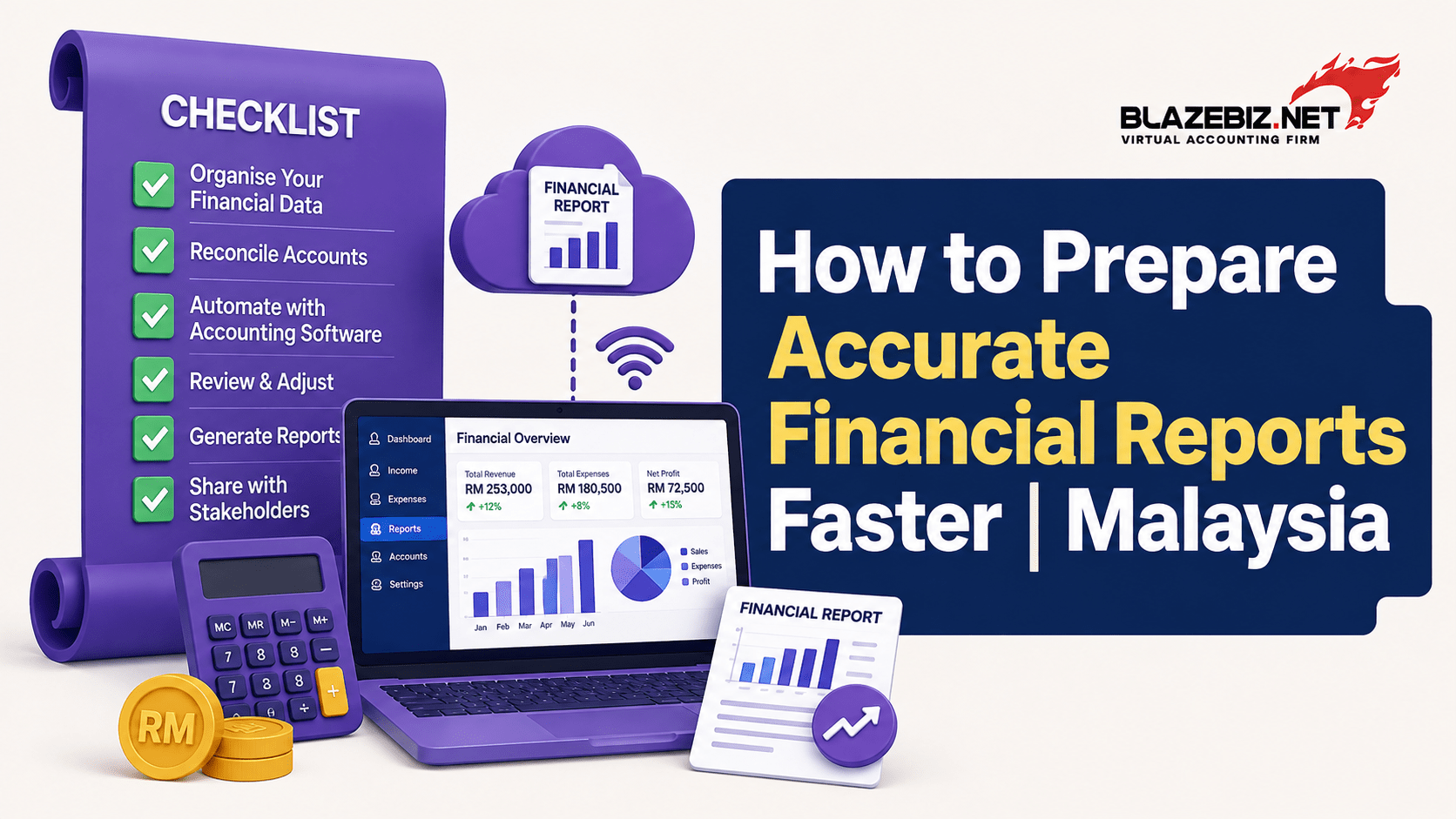
How to Prepare Accurate Financial Reports Faster
Preparing accurate financial reports is an important part of running a successful business. Financial reports help business owners understand revenue, expenses, profitability, cash flow and overall financial performance.
However, preparing these reports manually can take considerable time. Data may come from invoices, receipts, bank transactions, sales records and spreadsheets, making it difficult to ensure everything is complete and accurate.
With the right processes and accounting software, businesses can reduce manual work, improve data accuracy and prepare financial reports faster.
Key Takeaways
- Keep financial data organised and updated regularly.
- Reduce manual data entry wherever possible.
- Reconcile bank transactions regularly.
- Use a consistent chart of accounts.
- Review transactions before generating reports.
- Use accounting software for faster financial reporting.
- Use up-to-date financial information to support better business decisions.
Why Accurate Financial Reports Matter
Financial reports are more than documents prepared for record-keeping. They give business owners a clearer picture of how the business is performing.
Financial reports can help you understand:
- Sales and revenue
- Business expenses
- Gross and net profit
- Cash flow
- Outstanding customer payments
- Supplier liabilities
- Assets and liabilities
- Overall business performance
If financial data is incomplete or incorrectly recorded, management may make decisions based on inaccurate information.
For example, a business may appear profitable based on sales figures while outstanding customer payments are putting pressure on cash flow.
Accurate financial reporting helps businesses make decisions based on reliable information.
1. Keep Your Financial Data Updated
One of the easiest ways to speed up financial reporting is to avoid leaving transactions until the end of the month.
Regularly record:
- Sales invoices
- Purchase invoices
- Business expenses
- Customer payments
- Supplier payments
- Bank transactions
- Credit notes
- Other financial transactions
When records are updated consistently, there is less work required during month-end closing.
2. Reduce Manual Data Entry
Manual data entry is one of the common causes of accounting errors. Entering the same information into multiple spreadsheets or systems increases the risk of:
- Duplicate entries
- Incorrect amounts
- Missing transactions
- Wrong account classifications
- Delayed updates
Accounting software can centralise financial transactions and reduce repetitive data entry.
This allows accounting teams to spend more time reviewing financial information instead of repeatedly entering the same data.
3. Reconcile Bank Transactions Regularly
Bank reconciliation is essential for maintaining accurate financial records.
Businesses should regularly compare accounting records with bank transactions to identify differences.
Common issues may include:
- Missing transactions
- Duplicate transactions
- Incorrect amounts
- Unrecorded bank charges
- Timing differences
Regular reconciliation makes it easier to identify problems before financial reports are prepared.
For more information, read our guide on How to Automate Bank Reconciliation for Malaysian SMEs.
4. Use a Consistent Chart of Accounts
A well-organised chart of accounts helps businesses classify transactions consistently.
For example, expenses should be assigned to appropriate categories rather than being recorded differently by different employees.
A consistent accounting structure makes financial reports easier to understand and compare across different periods.
It also helps management analyse expenses, revenue and profitability more effectively.
5. Standardise Your Month-End Closing Process
A structured month-end closing process can significantly reduce the time required to prepare financial reports.
A simple month-end checklist can include:
- Record all sales and purchases.
- Update customer and supplier payments.
- Reconcile bank transactions.
- Review outstanding receivables and payables.
- Check for missing or duplicate transactions.
- Review unusual expenses or transactions.
- Generate financial reports.
- Review the reports before sharing them with management.
Having a repeatable process helps accounting teams avoid last-minute corrections and delays.
6. Use Up-to-Date Financial Information
Waiting until the end of the month to understand business performance can limit decision-making.
With accounting software, businesses can access updated financial information as transactions are recorded.
This can help management monitor:
- Revenue
- Expenses
- Profitability
- Customer balances
- Supplier balances
- Cash position
- Sales performance
Better visibility allows business owners to identify financial issues earlier instead of discovering them after the reporting period has ended.
7. Automate Routine Accounting Tasks
Automation can reduce the amount of repetitive work involved in managing financial information.
Depending on the accounting system, businesses may be able to streamline tasks such as:
- Invoice generation
- Customer statements
- Payment recording
- Bank reconciliation
- Financial reporting
- Recurring transactions
- Data consolidation
The goal is not to remove human oversight. Instead, automation allows accounting teams to spend more time checking information and analysing financial results.
8. Review Reports Before Making Decisions
Even when accounting software is used, financial reports should be reviewed before important business decisions are made.
Look for unusual changes such as:
- Unexpected increases in expenses
- Significant changes in sales
- Large outstanding customer balances
- Unusual supplier payments
- Sudden changes in profit margins
Comparing current results with previous months can also help identify trends that may require further investigation.
How SQL Accounting Helps Prepare Financial Reports Faster
For businesses managing a growing volume of transactions, SQL Accounting can help centralise financial information and simplify accounting processes.
Instead of relying on multiple spreadsheets, businesses can manage sales, purchases, customer accounts, supplier accounts, payments and other accounting transactions within one system.
This makes it easier to maintain organised financial records and generate financial reports when they are needed.
SQL Accounting also provides financial management and reporting capabilities that can help business owners and accounting teams gain better visibility into business performance.
Looking for an accounting solution that can support your growing business? Explore BlazeBiz SQL Accounting Software.
Signs Your Business Needs Better Financial Reporting
You may benefit from a more structured accounting system if:
- Financial reports take several days to prepare.
- Your team relies heavily on Excel.
- Bank reconciliation is frequently delayed.
- Reports contain frequent errors.
- You cannot quickly determine your current profit.
- Customer and supplier balances are difficult to track.
- Management has to wait until month-end for basic financial information.
- Different departments maintain separate financial records.
These challenges can become more significant as transaction volumes increase.
A Simple Approach to Faster Financial Reporting
Businesses can use a simple process to improve both the speed and accuracy of financial reporting:
Record → Reconcile → Review → Report → Analyse
Keep transactions updated, reconcile financial records regularly, review unusual entries and then generate reports from reliable accounting data.
The more consistent the process, the less time your team needs to spend correcting problems at the end of each month.
Frequently Asked Questions
How can I prepare financial reports faster?
Keep accounting records updated regularly, reconcile bank transactions frequently, standardise your chart of accounts and use accounting software to reduce manual work.
What causes inaccurate financial reports?
Common causes include missing transactions, incorrect data entry, duplicate records, incorrect account classifications and unreconciled bank transactions.
Can accounting software improve financial reporting?
Yes. Accounting software can centralise financial information, reduce repetitive data entry and make it easier to generate reports from organised accounting records.
How often should financial records be updated?
Ideally, transactions should be recorded regularly rather than waiting until the end of the month. The appropriate frequency depends on the size and transaction volume of the business.
What financial reports should a business monitor?
Common reports include the income statement or profit and loss statement, balance sheet, cash flow information, accounts receivable ageing and accounts payable reports.
Is Excel enough for financial reporting?
Excel can be useful for simple financial tracking, but businesses with growing transaction volumes may find dedicated accounting software more efficient for maintaining records, reconciliation and financial reporting.
Conclusion
Accurate financial reporting does not have to be a slow, manual process.
By keeping financial data updated, reducing manual entry, reconciling transactions regularly and following a consistent month-end process, businesses can improve both reporting speed and accuracy.
For growing Malaysian businesses, accounting software can provide a centralised way to manage financial transactions and generate reports without relying entirely on spreadsheets.
Ready to prepare financial reports faster and manage your accounts more efficiently?
Explore BlazeBiz SQL Accounting Software →
