
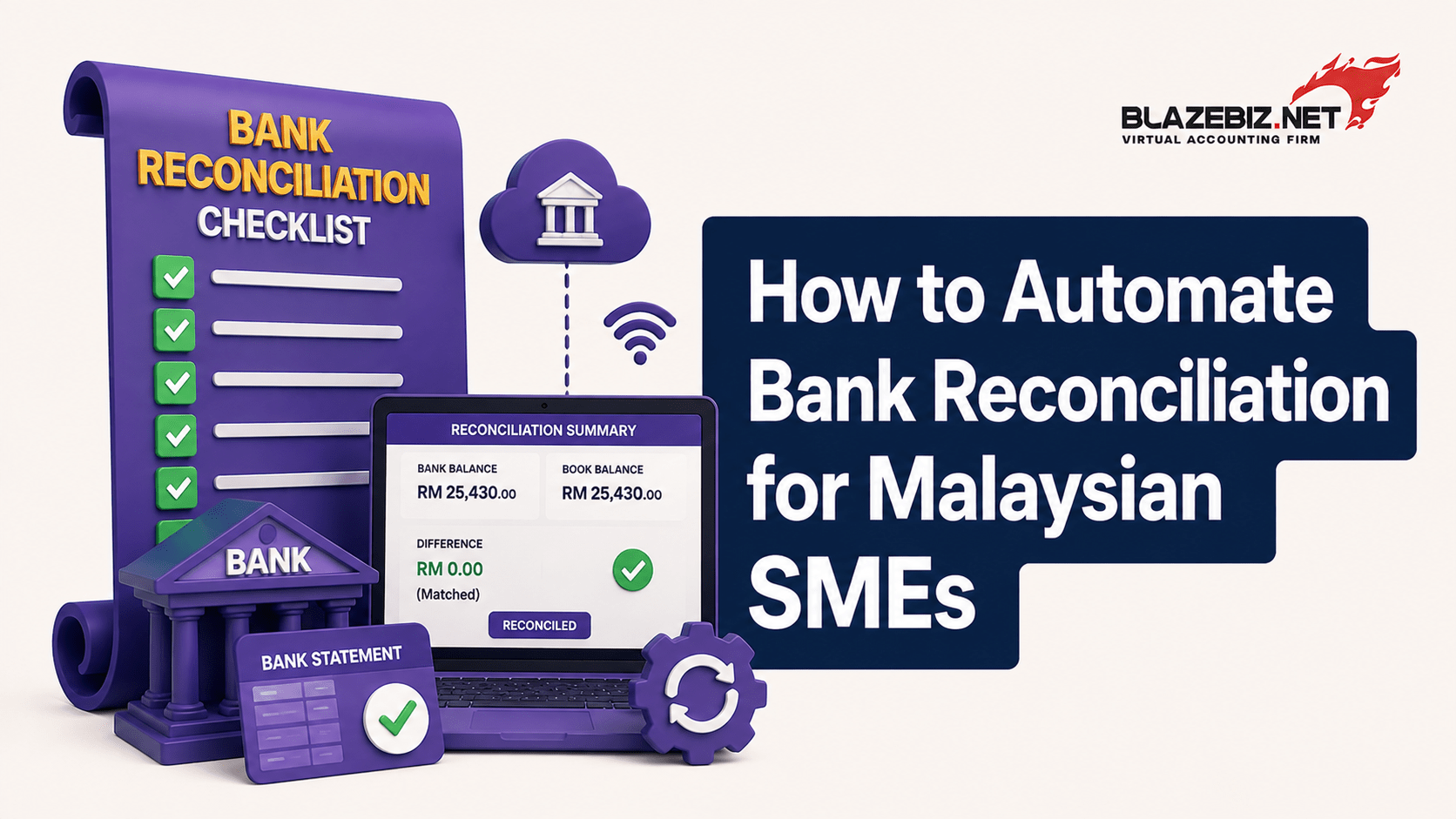
How to Automate Bank Reconciliation for Malaysian SMEs
Bank reconciliation is an essential part of accounting, but for many Malaysian SMEs, it can be a time-consuming monthly task.
Finance teams often need to compare bank statements with accounting records, identify missing transactions, investigate differences and correct errors.
When this process is handled manually through spreadsheets, it can take hours and increase the risk of mistakes.
Accounting software can help businesses make bank reconciliation more organised, faster and easier to manage.
What Is Bank Reconciliation?
Bank reconciliation is the process of comparing a company’s accounting records with its bank statement.
The purpose is to make sure transactions recorded in the accounting system match the actual activity in the bank account.
Differences can occur because of:
- Bank charges
- Outstanding payments
- Deposits in transit
- Unrecorded transactions
- Duplicate entries
- Incorrect amounts
- Timing differences
Regular reconciliation helps businesses maintain more accurate financial records.
Why Is Manual Bank Reconciliation Time-Consuming?
When businesses rely on Excel or manual processes, employees may need to:
- Download bank statements
- Review transactions
- Compare them with accounting records
- Match payments and receipts
- Identify differences
- Search for missing transactions
- Correct accounting records
- Recheck the final balances
For businesses with hundreds of transactions, this process can become increasingly difficult.
5 Ways Accounting Software Can Improve Bank Reconciliation
1. Reduce Manual Data Entry
Accounting software can help organise banking and accounting transactions in one environment.
This reduces the need to repeatedly copy information between spreadsheets and accounting records.
Less manual entry can also reduce the risk of typing errors.
2. Match Transactions Faster
When transaction information is properly structured, finance teams can identify matching payments and receipts more efficiently.
Instead of reviewing every transaction manually, employees can focus their attention on transactions that require investigation.
3. Identify Differences Quickly
A reconciliation process should make it easier to identify discrepancies.
For example, the system may help highlight transactions that:
Appear in the bank but not in accounting records
Appear in accounting records but not the bank statement
Have different amounts
Have been recorded more than once
Finding these differences earlier makes correction easier.
4. Improve Cash-Flow Visibility
Accurate bank reconciliation gives business owners greater confidence in their financial information.
- Available cash
- Incoming payments
- Outgoing payments
- Bank charges
- Outstanding transactions
Better information can support better cash-flow decisions.
5. Speed Up Month-End Closing
Bank reconciliation is often one of the tasks that delays month-end closing.
When reconciliation is more efficient, finance teams can complete other closing activities sooner, including financial reporting and management review.
Bank Reconciliation Checklist for SMEs
Before completing your reconciliation, check:
- Bank statement period is correct
- All relevant bank accounts are included
- Customer receipts are recorded
- Supplier payments are recorded
- Bank charges are accounted for
- Outstanding transactions are reviewed
- Duplicate entries are checked
- Differences are investigated
- Final balances are reviewed
A consistent process can make reconciliation easier from month to month.
Can Accounting Software Fully Automate Bank Reconciliation?
Automation capabilities vary between accounting systems.
Some solutions can import or connect banking data and help match transactions, while others may require more manual processing.
Businesses should therefore check the specific bank integration, software version and available features before choosing a system.
The objective should be to reduce manual work while maintaining proper financial controls and review.
How SQL Accounting Software Can Help
Depending on the selected modules and configuration, businesses can manage:
- Sales
- Purchases
- Customer accounts
- Supplier accounts
- Accounts receivable
- Accounts payable
- Financial reporting
- Inventory
- Banking-related accounting records
For businesses currently relying heavily on spreadsheets, moving to a structured accounting system can help improve the way financial information is recorded and reviewed.
Why Malaysian SMEs Should Consider Automation
As businesses grow, the number of financial transactions usually grows too.
A process that takes 30 minutes when a company has a few transactions can take several hours when transaction volumes increase.
- Save employee time
- Reduce manual errors
- Improve financial visibility
- Speed up month-end closing
- Focus more on business analysis
The goal is not to remove financial oversight. It is to reduce repetitive work so finance teams can focus on exceptions and important decisions.
Frequently Asked Questions
What is bank reconciliation in accounting?
Bank reconciliation is the process of comparing bank statements with accounting records to identify and resolve differences.
Can bank reconciliation be automated?
Yes. Depending on the accounting software and bank integration available, businesses can automate parts of the reconciliation process, including importing transactions and matching records.
How often should an SME reconcile its bank account?
Businesses should reconcile regularly. The ideal frequency depends on transaction volume and business requirements, but frequent reconciliation can help identify errors and discrepancies earlier.
Can Excel be used for bank reconciliation?
Yes, but manual spreadsheet reconciliation can become time-consuming as transaction volumes increase. Accounting software can provide a more structured process.
Does SQL Accounting support bank reconciliation?
SQL Accounting provides banking and accounting functions, with specific capabilities depending on the software version, modules, configuration and available integrations. Businesses should confirm their requirements before implementation.
Make Bank Reconciliation Faster with BlazeBiz
If your finance team spends hours every month comparing spreadsheets, bank statements and accounting records, it may be time to improve the process.
BlazeBiz provides SQL Accounting Software solutions for Malaysian businesses, helping organisations manage accounting, reporting, inventory and financial processes in a more structured environment.
A better accounting workflow can reduce repetitive work and give business owners greater confidence in their financial information.
Talk to BlazeBiz today about SQL Accounting Software and find a solution that fits your business.
