
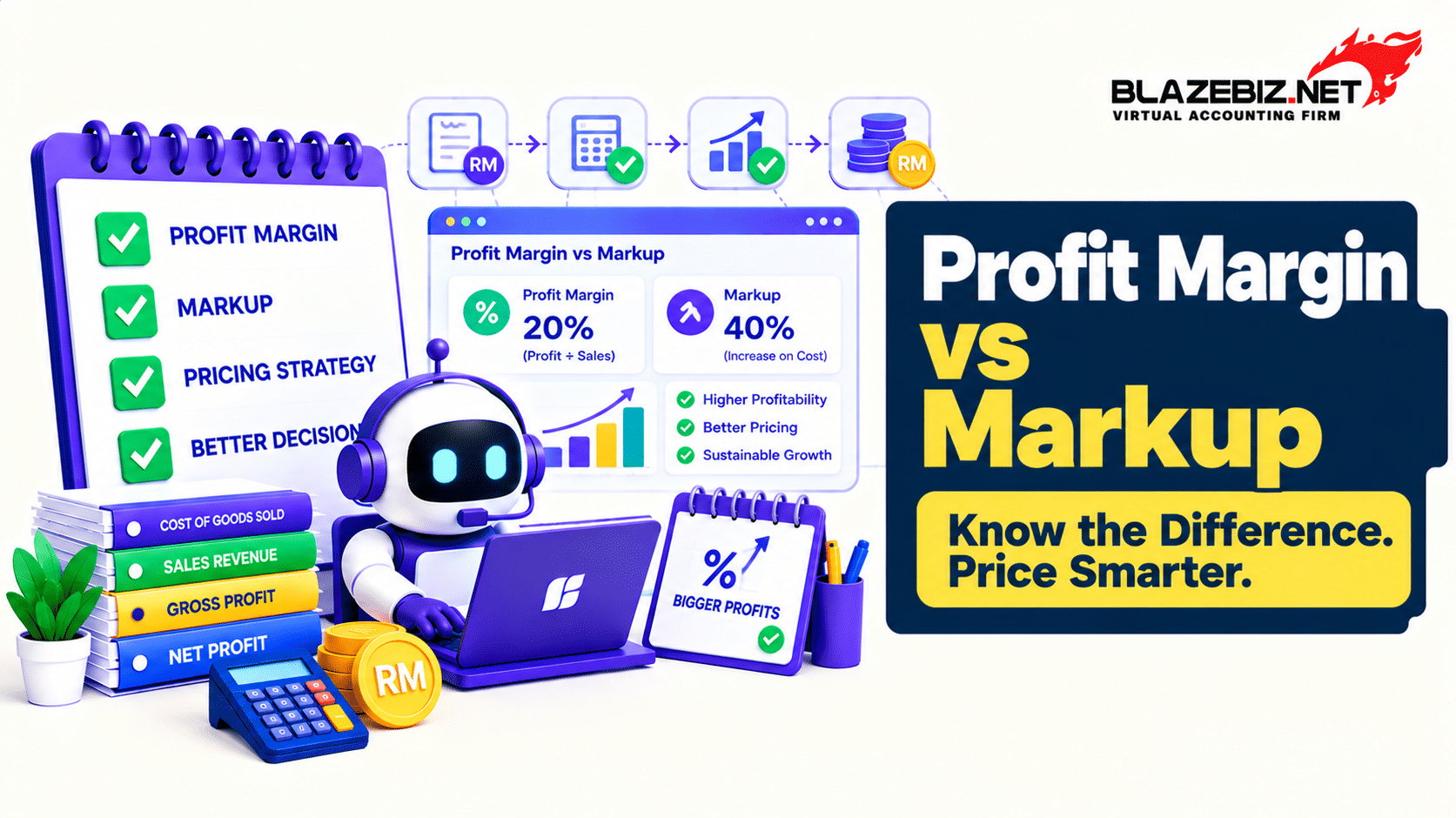
Setting the right selling price is one of the most important decisions for a Malaysian small or medium-sized enterprise (SME). Price your products too low and your business may struggle to cover its costs. Price them too high and customers may choose competitors instead.
Two important calculations can help you make better pricing decisions: profit margin and markup. Although both use cost and profit figures, they measure profitability differently. Confusing the two can lead to pricing mistakes and unrealistic profit expectations.
In this guide, we explain the difference between profit margin and markup, show you how to calculate each one using Malaysian ringgit (RM), and share practical tips for pricing products more confidently.
What Is Profit Margin?
Profit margin measures profit as a percentage of selling revenue. It shows how much profit your business earns from each ringgit of sales before or after certain expenses, depending on the type of margin being calculated.
For product pricing, businesses commonly use gross profit margin. This measures the difference between sales revenue and the cost of goods sold as a percentage of sales revenue.
Gross Profit Margin Formula:
Gross Profit Margin = (Selling Price − Product Cost) ÷ Selling Price × 100%
For example, if you buy a product for RM60 and sell it for RM100, your gross profit is RM40.
Gross Profit Margin = RM40 ÷ RM100 × 100% = 40%
This means RM0.40 of every RM1 in sales remains after accounting for the product cost, before other operating expenses are deducted.
What Is Markup?
Markup measures how much you add to a product’s cost to determine its selling price. It expresses the difference between the selling price and product cost as a percentage of the product cost.
Markup Formula:
Markup = (Selling Price − Product Cost) ÷ Product Cost × 100%
Using the same example, you buy a product for RM60 and sell it for RM100. Your gross profit is RM40.
Markup = RM40 ÷ RM60 × 100% = 66.67%
This means you added approximately 66.67% to the product cost to arrive at the selling price. It does not mean your gross profit margin is 66.67%.
Profit Margin vs Markup: What Is the Difference?
The main difference is the figure used as the denominator. Profit margin compares profit with selling price, while markup compares profit with product cost.
| Item | Profit Margin | Markup |
|---|---|---|
| Product cost | RM60 | RM60 |
| Selling price | RM100 | RM100 |
| Gross profit | RM40 | RM40 |
| Calculation base | Selling price | Product cost |
| Percentage | 40% | 66.67% |
Both calculations use the same RM40 gross profit, but the percentages differ because the calculations use different bases.
Remember: profit margin tells you how much of your sales revenue remains as gross profit, while markup tells you how much you have added to the product cost.
How to Calculate Selling Price Using a Target Profit Margin
If you want to achieve a particular gross profit margin, you should calculate your selling price using the margin formula rather than simply adding the same percentage to your cost.
Selling Price Formula for a Target Gross Profit Margin:
Selling Price = Product Cost ÷ (1 − Target Gross Profit Margin)
Convert the target percentage into a decimal before using the formula. For example, a 40% target margin is written as 0.40.
Suppose your product costs RM60 and you want a gross profit margin of 40%.
- Product cost: RM60.
- Target gross profit margin: 40%, or 0.40.
- Selling price: RM60 ÷ (1 − 0.40) = RM100.
- Gross profit: RM100 − RM60 = RM40.
- Gross profit margin: RM40 ÷ RM100 × 100% = 40%.
In this example, the correct selling price is RM100 before considering other costs, applicable taxes or market pricing constraints.
How to Calculate Selling Price Using Markup
If your business uses a target markup percentage, the calculation is more straightforward.
Selling Price Formula:
Selling Price = Product Cost × (1 + Markup Percentage)
For example, your product costs RM60 and you want to apply a 50% markup.
- Product cost: RM60.
- Markup: 50%, or 0.50.
- Selling price: RM60 × (1 + 0.50) = RM90.
- Gross profit: RM90 − RM60 = RM30.
- Gross profit margin: RM30 ÷ RM90 × 100% = 33.33%.
A 50% markup therefore produces a gross profit margin of approximately 33.33%, not 50%.
Quick Reference: Markup vs Gross Profit Margin
The following table shows how different markup percentages translate into gross profit margins, assuming the product cost is the only cost included in the calculation.
| Markup | Equivalent Gross Profit Margin |
|---|---|
| 10% | 9.09% |
| 20% | 16.67% |
| 25% | 20.00% |
| 30% | 23.08% |
| 40% | 28.57% |
| 50% | 33.33% |
| 75% | 42.86% |
| 100% | 50.00% |
This comparison is useful when reviewing supplier costs, setting retail prices or checking whether your existing markup policy supports your target gross profit margin.
Gross Profit Margin vs Net Profit Margin
Gross profit margin is not the same as net profit margin. Understanding this distinction is important because a product may have a healthy gross margin while the overall business still earns little profit.
Gross Profit Margin
Gross profit margin measures sales revenue remaining after deducting the cost of goods sold. Depending on the business, these costs may include inventory purchase costs, raw materials and direct production costs.
Net Profit Margin
Net profit margin measures net profit as a percentage of revenue after accounting for relevant expenses, including operating costs, finance costs and taxes where applicable.
Net Profit Margin Formula:
Net Profit Margin = Net Profit ÷ Revenue × 100%
For example, a business may generate RM100,000 in revenue and RM40,000 in gross profit, giving it a gross profit margin of 40%. If all other expenses and applicable charges total RM32,000, net profit is RM8,000 and net profit margin is 8%.
This example shows why business owners should monitor both product-level profitability and the overall financial performance of the business. Accurate financial reports make this comparison easier. Read our guide on how to prepare accurate financial reports faster.
How Malaysian SMEs Can Use Profit Margin and Markup
Profit margin and markup are useful for different business decisions. Using both helps you understand pricing, compare products and evaluate whether your business model is financially sustainable.
1. Set Product Selling Prices
Use markup to apply a consistent increase to product costs, or use a target gross profit margin to work backwards from your desired selling price. Before finalising prices, consider competitor pricing, customer demand and all relevant costs.
2. Compare Product Profitability
Two products may generate the same gross profit in ringgit but have different margins. Comparing gross profit margins can help you identify which products contribute more profit relative to their sales revenue.
3. Review Supplier Price Changes
If supplier costs increase, your existing selling price may no longer produce the same margin. Recalculate product costs and review pricing before the change significantly affects profitability.
4. Evaluate Discounts
Discounts reduce the selling price and can quickly reduce gross profit. Before offering a promotion, calculate the revised margin and estimate how much additional sales volume may be needed to compensate for the lower price.
5. Review Business Performance
Track gross profit margin over time to identify changes in purchasing costs, product mix or pricing. Combine margin analysis with expense and cash flow reviews for a more complete picture of business performance.
If stock costs and selling prices are difficult to track, improving your inventory records can help. Learn more in our guide to inventory management for Malaysian SMEs.
Common Pricing Mistakes to Avoid
Even simple pricing formulas can produce misleading results if costs are incomplete or percentages are applied incorrectly. Avoid these common mistakes:
- Confusing markup with margin: A 40% markup does not produce a 40% gross profit margin.
- Ignoring additional costs: Product cost calculations may need to account for freight, packaging, duties or other directly attributable costs, depending on the business.
- Forgetting operating expenses: Gross profit must also contribute towards rent, salaries, marketing and other overheads.
- Copying competitors’ prices blindly: Competitors may have different purchasing costs, operating structures or sales volumes.
- Failing to update costs: Outdated supplier prices can make margin calculations unreliable.
- Assuming high sales mean high profit: Strong revenue does not guarantee healthy margins or positive cash flow.
How Accounting Software Can Help Track Profitability
As a business grows, tracking product costs, selling prices and gross profit manually becomes more difficult. Separate spreadsheets may contain outdated costs or inconsistent figures, making it harder to evaluate profitability accurately.
Accounting software can help organise sales and purchase transactions, maintain financial records and generate reports that support profitability analysis. Inventory features, where available and correctly configured, can also help businesses monitor stock quantities and recorded costs.
For Malaysian SMEs, SQL Accounting can support accounting and financial reporting workflows. The information available for margin analysis depends on the software configuration, cost records and reporting features used by the business.
Regularly reviewing accurate reports helps business owners identify margin changes and make more informed pricing decisions. Software supports the process, but businesses should still verify their cost assumptions and accounting treatment.
Frequently Asked Questions
1. What is the difference between profit margin and markup?
Profit margin measures profit as a percentage of selling revenue, while markup measures profit as a percentage of product cost. They use the same profit amount but different calculation bases.
2. Is a 50% markup the same as a 50% profit margin?
No. A 50% markup produces a gross profit margin of approximately 33.33%. To achieve a 50% gross profit margin, the selling price must be twice the product cost, assuming product cost is the only cost included in the calculation.
3. How do I calculate gross profit margin?
Subtract the cost of goods sold from sales revenue to calculate gross profit. Then divide gross profit by sales revenue and multiply by 100 to get gross profit margin as a percentage.
4. What is a good profit margin for a Malaysian SME?
There is no single ideal margin for every SME. Appropriate margins depend on the industry, product type, operating costs, competition and business model. Compare your results with your historical performance and relevant industry benchmarks where reliable data is available.
5. Should I use markup or profit margin to set selling prices?
Either can be useful. Markup provides a straightforward way to add a percentage to cost, while a target gross profit margin helps you calculate the selling price needed to achieve a particular margin. Choose the method that fits your pricing process and make sure all relevant costs are considered.
6. Does a high gross profit margin mean my business is profitable?
Not necessarily. Gross profit margin does not deduct all operating expenses, finance costs or taxes. Review net profit, cash flow and other financial indicators alongside gross profit margin to understand your overall business performance.
Final Thoughts
Understanding profit margin vs markup helps Malaysian SMEs make better pricing decisions and assess product profitability more accurately. Although both calculations measure the relationship between cost and profit, they answer different questions.
Use markup when you need to calculate an increase over product cost, and use gross profit margin when you want to understand profit as a percentage of sales. Review costs regularly, account for operating expenses and monitor financial reports to keep your pricing decisions grounded in reliable information.
Looking to improve your accounting and financial reporting processes? Explore BlazeBiz to learn more about accounting solutions for Malaysian businesses.
