
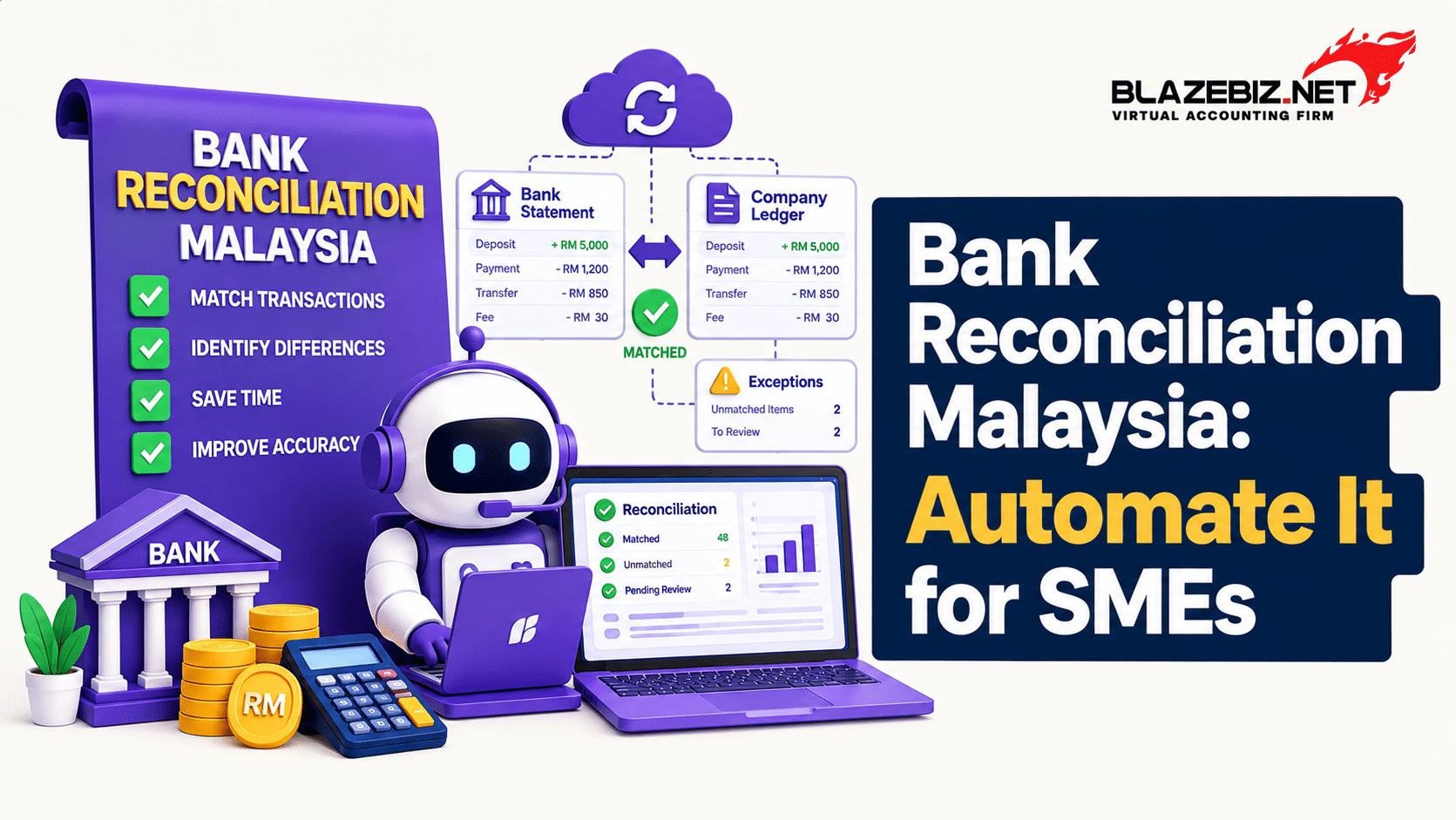
Bank Reconciliation in Malaysia: Why SMEs Should Automate It
Bank reconciliation is an important part of financial management for Malaysian SMEs. It helps businesses compare their accounting records with actual transactions shown in their bank statements.
For a small business with only a few transactions, reconciliation may be relatively simple. However, as sales, customer payments, supplier payments, bank charges and other transactions increase, manually checking every transaction can become time-consuming.
This is where automated bank reconciliation can help. Accounting software can reduce repetitive work by importing bank statement information, matching transactions and identifying items that require further review.
For Malaysian SMEs looking to reduce manual accounting work and improve financial visibility, automating bank reconciliation can be an important part of a more efficient accounting process.
What Is Bank Reconciliation?
Bank reconciliation is the process of comparing the transactions recorded in a company’s accounting system with the transactions shown on its bank statement.
The purpose is to identify differences and confirm that banking transactions have been properly recorded in the accounting system.
For example, a business may record a customer payment in its accounting system before the transaction appears on the bank statement. A bank may also deduct a service charge that has not yet been recorded in the accounting system.
Regular reconciliation helps businesses identify these differences and determine whether they are timing differences, missing transactions or accounting errors.
Common Bank Reconciliation Differences
- Bank charges that have not been recorded.
- Customer payments recorded in accounting but not yet cleared.
- Deposits that have not yet appeared on the bank statement.
- Transactions appearing on the bank statement but missing from accounting records.
- Incorrect transaction amounts.
- Duplicate accounting entries.
- Timing differences between accounting and banking records.
Why Is Manual Bank Reconciliation Time-Consuming?
Many SMEs still use spreadsheets or manual processes to compare bank statements with accounting records.
A typical manual reconciliation process may involve several repetitive steps.
- Download the bank statement.
- Review the statement period.
- Open the accounting records.
- Compare transaction dates and amounts.
- Match customer receipts and supplier payments.
- Identify missing transactions.
- Check for duplicate entries.
- Record bank charges and other adjustments.
- Investigate unmatched transactions.
- Recheck the final balances.
When a business processes hundreds or thousands of transactions, manually checking each transaction can consume significant finance-team time.
The problem becomes even more noticeable when a business operates several bank accounts or multiple branches.
5 Benefits of Automating Bank Reconciliation
1. Reduce Manual Data Entry
One of the main advantages of automation is reducing repetitive data entry.
Instead of manually copying every transaction from a bank statement into a spreadsheet, supported accounting software can import or connect banking information and assist with the reconciliation process.
Reducing manual data entry can also lower the risk of common input mistakes involving dates, amounts and transaction references.
2. Match Transactions Faster
Automated reconciliation can help identify transactions that correspond with existing accounting records.
Instead of manually checking every transaction, finance teams can focus their attention on transactions that cannot be matched automatically or require additional investigation.
3. Identify Differences Earlier
A structured reconciliation process makes it easier to identify transactions that do not match.
- Transactions appearing in the bank but not in accounting.
- Transactions recorded in accounting but missing from the bank statement.
- Transactions with different amounts.
- Duplicate transactions.
- Unrecorded bank charges.
Identifying these differences earlier can make investigation and correction easier.
4. Improve Cash-Flow Visibility
Accurate banking information is important when business owners review their cash position.
Regular reconciliation can help finance teams monitor:
- Available bank balances.
- Customer receipts.
- Supplier payments.
- Bank charges.
- Outstanding transactions.
- Other banking activity.
Better visibility can support cash-flow monitoring and financial decision-making.
5. Support Faster Month-End Closing
Bank reconciliation is often part of the month-end accounting process.
If finance teams spend several days manually comparing transactions, other month-end activities may also be delayed.
Automation can reduce repetitive reconciliation work so finance staff can spend more time reviewing exceptions and completing other accounting tasks.
How Does Automated Bank Reconciliation Work?
A typical automated bank reconciliation workflow follows a simple process.
- Import or connect bank data: Bank transactions are imported from a supported statement format or retrieved through an available bank integration.
- Review accounting transactions: Existing receipts, payments and other accounting transactions are identified.
- Match transactions: The accounting system compares relevant transaction information.
- Identify unmatched transactions: Transactions that cannot be matched are highlighted for further review.
- Investigate differences: Finance staff check unusual or unmatched transactions.
- Complete reconciliation: Approved matches and adjustments are recorded as part of the reconciliation process.
The exact workflow depends on the accounting software, bank integration, statement format and configuration.
How SQL Accounting Supports Bank Reconciliation
SQL Accounting provides bank reconciliation functionality within its General Ledger module. Its Auto Bank Reconciliation workflow can load supported bank statements and help match transactions with accounting records.
According to the official SQL documentation, users can load bank statements in PDF or CSV format. The system can detect the bank name and use matching criteria such as cheque number plus amount or description plus amount. Transactions that cannot be automatically matched remain available for manual review.
View SQL’s official Auto Bank Reconciliation documentation.
Import Bank Statements
Supported bank statement files can be loaded into the reconciliation workflow, reducing the need to manually enter every banking transaction.
Automatic Transaction Matching
The system can compare bank statement information with accounting transactions using defined matching criteria.
Manual Review of Exceptions
Not every transaction will necessarily match automatically. Unmatched transactions can be reviewed by finance staff before reconciliation is completed.
Reconciliation Reporting
After reconciliation, the relevant reconciliation records and reports can be reviewed for accounting and internal-control purposes.
Learn more about BlazeBiz SQL Accounting and its accounting and financial management capabilities.
Can Bank Reconciliation Be Fully Automated?
Not necessarily.
The level of automation depends on the accounting software, bank connection, transaction data and configuration.
Some transactions may be matched automatically, while others may require manual investigation. For example, an unclear transaction description or a difference in transaction amount may require a finance employee to review the records.
A practical approach is:
Automation → Exception Detection → Human Review → Reconciliation
The objective is to reduce repetitive accounting work while maintaining appropriate financial controls.
Bank Integration and Automated Reconciliation
Some accounting systems can connect with supported banking services to make reconciliation more efficient.
SQL provides bank integration options for supported banks and workflows. Availability depends on the bank, account type, software version and configuration.
Businesses should confirm supported banks and integration requirements before selecting an accounting solution.
What to Check Before Using Bank Integration
- Check whether your bank is supported.
- Confirm whether your specific account type is supported.
- Check the required software version.
- Understand how transaction data is retrieved.
- Review the matching and reconciliation process.
- Confirm user permissions and approval requirements.
Manual vs Automated Bank Reconciliation
| Area | Manual Process | Automated Process |
|---|---|---|
| Bank statement handling | Manual download and review | Import or supported bank connection |
| Transaction matching | Mostly manual | System-assisted matching |
| Data entry | Higher manual effort | Reduced repetitive entry |
| Unmatched transactions | Manually identified | Can be highlighted for review |
| Finance team workload | More repetitive checking | More focus on exceptions |
| Scalability | More difficult as volume increases | Better suited to higher transaction volumes |
Bank Reconciliation Checklist for Malaysian SMEs
Whether your business uses manual or automated reconciliation, maintaining a consistent process is important.
- Confirm the correct bank account.
- Confirm the bank statement period.
- Check the opening balance.
- Review customer receipts.
- Review supplier and business payments.
- Check bank charges.
- Review outstanding transactions.
- Check for duplicate entries.
- Investigate unmatched transactions.
- Review the closing balance.
- Save the reconciliation record or report.
A consistent checklist helps finance teams follow the same process every month.
How Often Should an SME Reconcile Its Bank Account?
There is no single reconciliation frequency that applies to every business. The appropriate schedule depends on transaction volume, number of bank accounts, business operations and internal accounting controls.
A business with frequent daily transactions may need more frequent reconciliation than a small business with relatively few monthly transactions.
The important point is to reconcile regularly enough to identify differences before they accumulate and affect financial reporting.
Consider More Frequent Reconciliation When:
- Your business processes a high number of transactions.
- You operate several bank accounts.
- You have multiple branches.
- You receive large numbers of customer payments.
- You make frequent supplier payments.
- Management needs up-to-date cash information.
Signs Your SME Should Automate Bank Reconciliation
Your business may benefit from a more automated reconciliation process if:
- Finance staff spend several hours every month comparing bank statements.
- Your business processes hundreds or thousands of transactions.
- You maintain multiple bank accounts.
- Bank reconciliation is frequently delayed.
- Your team relies heavily on Excel.
- Unmatched transactions are difficult to identify.
- Month-end closing takes too long.
- Management needs more timely financial information.
If several of these situations apply to your business, accounting automation may be worth evaluating.
How Bank Reconciliation Supports Better Financial Reporting
Financial reports depend on the accuracy and completeness of the underlying accounting records.
If bank transactions are missing, duplicated or incorrectly recorded, the financial information generated from those records may not accurately represent the business’s transactions.
Regular reconciliation provides an additional control for reviewing banking activity before financial reports are finalised.
This is particularly useful when management reviews revenue, expenses, cash flow, receivables and profitability.
Read our related guide: How to Prepare Accurate Financial Reports Faster.
How to Choose Accounting Software for Bank Reconciliation
When comparing accounting software in Malaysia, SMEs should look beyond the word “automation”. Check exactly how the software handles bank statements, transaction matching and exceptions.
1. Check Bank Compatibility
Confirm whether the software supports the bank accounts your business uses and whether direct connectivity is available.
2. Check Statement Import Options
If direct bank connectivity is not available, check whether the system can import the statement formats provided by your bank.
3. Check Transaction Matching
Understand what information the system uses to match transactions and how unmatched transactions are presented to finance users.
4. Check Exception Handling
Good automation should make it easy to identify transactions that require human review.
5. Check Reporting
Make sure the accounting system provides appropriate reconciliation and financial reports for your business.
6. Check User Controls
Accounting automation should still include appropriate user permissions, review processes and financial controls.
Bank Reconciliation and e-Invoice in Malaysia
Bank reconciliation and e-Invoice are separate accounting processes, but both contribute to a more structured digital finance workflow.
Malaysia’s e-Invoice system enables near real-time validation and storage of transaction information through the MyInvois ecosystem. Businesses should refer to the latest official HASiL guidance for requirements applicable to their organisation.
Check the latest e-Invoice information from HASiL.
BlazeBiz also provides e-Invoice solutions for Malaysian businesses.
Frequently Asked Questions About Bank Reconciliation
What is bank reconciliation in accounting?
Bank reconciliation is the process of comparing transactions recorded in an accounting system with transactions shown on a bank statement and investigating any differences.
Can bank reconciliation be automated?
Yes. Depending on the accounting software and available bank integration, businesses can automate parts of the reconciliation process, including importing bank statements and matching transactions. Unmatched transactions may still require manual review.
Does SQL Accounting support bank reconciliation?
Yes. SQL Accounting provides bank reconciliation functionality. Its Auto Bank Reconciliation workflow supports loading supported bank statements and matching transactions according to defined criteria.
Can SQL Accounting import bank statements?
SQL’s Auto Bank Reconciliation documentation describes loading bank statements in PDF or CSV format. The exact import process depends on the statement and software configuration.
How often should an SME perform bank reconciliation?
The appropriate frequency depends on transaction volume, bank accounts and business requirements. Businesses with frequent transactions may choose a more frequent reconciliation schedule, while smaller businesses may use a different schedule.
Can bank reconciliation reduce accounting errors?
Regular reconciliation can help identify missing transactions, duplicate entries, incorrect amounts, unrecorded bank charges and other differences. Automation can reduce repetitive data entry, while financial review remains important.
Can bank reconciliation improve month-end closing?
It can. A more efficient reconciliation process can reduce the time finance teams spend manually comparing transactions and allow them to focus on unmatched items and other month-end accounting activities.
Final Thoughts
Bank reconciliation is more than a routine accounting task. It is an important financial control that helps businesses compare their accounting records with actual banking activity.
For Malaysian SMEs, manual reconciliation can become increasingly difficult as transaction volumes grow. Accounting software can reduce repetitive work by importing bank statements, matching transactions and highlighting items that require attention.
SQL Accounting provides bank reconciliation functionality, including Auto Bank Reconciliation. The exact features available depend on the software version, bank, modules and configuration.
If your finance team spends too much time comparing spreadsheets, bank statements and accounting records, it may be worth evaluating a more structured accounting workflow.
Explore BlazeBiz SQL Accounting to learn more about managing accounting, financial reporting and related business processes in one system.
Looking to reduce manual accounting work? Contact BlazeBiz to discuss the right SQL Accounting setup for your Malaysian SME.
