Wholesale and distribution businesses manage a high volume of purchases, sales, customers, suppliers and inventory transactions. As the business grows, managing these activities through spreadsheets and disconnected systems can make accounting and stock control increasingly difficult.
Accounting software can bring sales, purchases, customer accounts, supplier records, inventory and financial reporting into a more structured workflow.
This guide explains the key accounting software features Malaysian wholesalers and distributors should consider when managing day-to-day operations.
What Is Accounting Software for Wholesale and Distribution Businesses?
Accounting software for wholesale and distribution businesses is a system that helps manage financial transactions related to purchasing, selling, inventory, customers, suppliers and payments.
Unlike many service businesses, wholesalers and distributors typically handle a large number of physical products. This means accounting needs are closely connected with inventory and sales operations.
A suitable system can help connect operational transactions with the company's financial records.
Why Wholesalers Need Integrated Accounting and Inventory Management
A wholesale business may process purchase orders, goods received, sales invoices, customer payments and supplier payments every day.
If these transactions are maintained separately, staff may need to enter the same information multiple times. This can increase administrative work and make it harder to maintain consistent records.
An integrated accounting and inventory workflow can help businesses connect:
- Purchasing
- Inventory
- Sales
- Customer accounts
- Supplier accounts
- Payments
- Financial reporting
This can give management a clearer view of both operational and financial information.
8 Important Accounting Software Features for Wholesalers
1. Inventory Management
Inventory is one of the most important areas for wholesale and distribution businesses.
The accounting system should support the way the business purchases, stores and sells products.
Useful inventory functions may include:
- Stock quantity tracking
- Multiple units of measurement
- Stock movement records
- Purchase transactions
- Sales transactions
- Stock valuation
- Inventory reports
- Product information management
Businesses with multiple warehouses or locations should also consider whether the software can support their required inventory structure.
2. Purchase Management
Wholesale businesses frequently purchase products from multiple suppliers. A structured purchase workflow can help track what has been ordered, received and recorded.
Purchase management may include supplier records, purchase invoices, purchase transactions and payment information.
3. Sales and Customer Invoicing
Distributors may issue a large number of invoices to retailers, businesses and other customers.
Accounting software can help businesses create invoices, maintain customer information and track sales transactions in a structured system.
Features such as bulk invoice entry can be particularly useful for businesses processing a high volume of transactions.
4. Accounts Receivable
Wholesale businesses often sell to customers on credit. This makes accounts receivable management an important part of financial control.
Businesses should be able to monitor:
- Outstanding invoices
- Customer balances
- Payment due dates
- Overdue amounts
- Payment history
- Customer statements
For more information, see our guide on how to track outstanding customer payments effectively.
5. Accounts Payable
Distributors also need to manage payments to suppliers. Accurate accounts payable records help businesses understand upcoming supplier obligations.
A structured process can help finance teams record supplier invoices, monitor payment dates and review outstanding supplier balances.
Read our guide to accounts payable management for Malaysian SMEs.
6. Multi-Unit Inventory Support
Wholesale products may be purchased and sold using different units. For example, a business might purchase products by carton but sell them individually.
Accounting software that supports multiple units of measurement can help businesses manage these different transaction requirements more consistently.
7. Financial Reporting
Operational data should ultimately support accurate financial reporting.
Important reports may include:
- Profit and loss
- Balance sheet
- Trial balance
- General ledger
- Customer statements
- Supplier reports
- Sales reports
- Purchase reports
- Inventory reports
BlazeBiz's SQL Accounting solution includes general ledger, customer, supplier and stock-related functions alongside financial reporting.
8. Bank Reconciliation
Wholesale businesses can have a large number of incoming customer payments and outgoing supplier payments. Bank reconciliation helps compare accounting records with bank transactions and identify differences.
Regular reconciliation can support more reliable cash and bank records.
See our guide on bank reconciliation for Malaysian SMEs.
Accounting Software Features for Wholesale vs Retail
Area Wholesale & Distribution Retail Customer type Often businesses and trade customers Often individual consumers and retail customers Order volume May involve larger orders Often involves smaller individual transactions Credit sales Common in some wholesale models Often lower for immediate retail purchases Inventory Important for stock movement and distribution Important for point-of-sale sales Pricing May involve customer-specific or volume pricing Often consumer-facing pricing Sales channels Business-to-business distribution Stores, counters or online retail Accounting needs Sales, purchases, inventory, receivables and payables Sales, POS, inventory, expenses and accounting
The exact requirements depend on the business model, number of products, sales channels and transaction volume.
How Accounting Software Connects Sales and Inventory
For a wholesale business, sales transactions and inventory movements are closely connected.
When a product is sold, the business needs to maintain appropriate sales and inventory records. When stock is purchased, the purchase transaction should also be reflected in the company's records.
A connected system can reduce the need to maintain separate sales and inventory spreadsheets.
This can help businesses maintain better visibility over:
- Products purchased
- Products sold
- Stock quantities
- Customer transactions
- Supplier transactions
- Inventory-related financial information
For more inventory-specific guidance, read Inventory Management Made Simple for Malaysian SMEs.
How to Choose Accounting Software for a Wholesale Business
Before selecting accounting software, wholesalers should evaluate their actual business processes rather than choosing a system based only on the number of features advertised.
- List your current sales and purchasing processes.
- Identify how many products and SKUs you manage.
- Review your inventory tracking requirements.
- Determine how many customers and suppliers you manage.
- Identify your credit sales and payment-tracking requirements.
- Review your financial reporting needs.
- Check whether multiple units of measurement are required.
- Review your e-Invoice requirements.
- Consider the number of users and locations.
- Test the system using real business transactions before implementation.
This process can help businesses identify whether the software fits their operational workflow before making a long-term commitment.
Signs Your Wholesale Business Has Outgrown Spreadsheets
Spreadsheets can work for basic record keeping, but growing wholesale businesses may eventually need a more structured accounting system.
Common warning signs include:
- Inventory records require frequent manual updates.
- Different departments maintain separate spreadsheets.
- Sales and accounting records do not always match.
- Customer balances are difficult to monitor.
- Supplier balances require manual calculations.
- Stock information is not available when needed.
- Financial reports take too long to prepare.
- Duplicate data entry is common.
- Bank reconciliation is performed manually.
- Management lacks a central view of business transactions.
How SQL Accounting Can Support Wholesale and Distribution Businesses
SQL Accounting provides accounting and inventory functions that can support businesses involved in purchasing, selling and managing physical products.
According to BlazeBiz's SQL Accounting information, the system includes customer management, supplier management, sales and purchase functions, stock management and financial reporting.
The stock module supports multiple units of measurement and can be used across different business industries.
For businesses managing a combination of sales, purchasing, inventory and accounting transactions, having these functions within a structured accounting environment can reduce the need for disconnected records.
Explore the SQL Accounting features available through BlazeBiz.
Wholesale Accounting Workflow
A typical wholesale accounting workflow may follow these steps:
- Create or receive a purchase order.
- Receive the products from the supplier.
- Record the purchase and update inventory records.
- Store the products at the relevant location.
- Receive a customer order.
- Process the sale and issue the relevant invoice.
- Update inventory based on the sale.
- Monitor the customer's outstanding balance.
- Record customer payments.
- Record supplier payments.
- Reconcile bank transactions.
- Review sales, inventory and financial reports.
The exact workflow will vary depending on the company's purchasing, warehousing, sales and delivery processes.
Wholesale Accounting Checklist
- Are all purchases recorded accurately?
- Are supplier invoices matched with purchase records?
- Are inventory quantities updated consistently?
- Are different units of measurement handled correctly?
- Are sales invoices recorded promptly?
- Are customer balances reviewed regularly?
- Are supplier balances monitored?
- Are inventory reports reviewed?
- Are bank transactions reconciled?
- Are financial reports prepared from complete accounting records?
Frequently Asked Questions
What accounting software does a wholesale business need?
A wholesale business generally needs accounting software that can manage sales, purchases, inventory, customers, suppliers, payments and financial reporting. Additional requirements depend on the company's business model.
Why do wholesalers need inventory and accounting integration?
Wholesale businesses regularly connect product purchases and sales with financial transactions. An integrated system can reduce duplicate data entry and provide more consistent operational and accounting records.
Can accounting software manage wholesale inventory?
Yes. Accounting systems with inventory functionality can help businesses record purchases, sales, stock movements and inventory-related information. The available features depend on the software and configuration.
Can wholesale businesses manage customer credit with accounting software?
Accounting software can maintain customer accounts, invoices, payment records and outstanding balances. Some systems also provide credit-control functions.
Does SQL Accounting support inventory management?
Yes. SQL Accounting includes a stock module with inventory-related functions, including support for multiple units of measurement. The appropriate setup depends on the business requirements and selected configuration.
Can accounting software manage supplier payments?
Accounting software can record supplier invoices, supplier balances and payment transactions. Specific payment and banking functions depend on the software, version and integration setup.
Should wholesalers use cloud or desktop accounting software?
The choice depends on the company's users, locations, connectivity, IT requirements and preferred workflow. Businesses should compare both options against their actual operational needs.
Manage Wholesale Accounting with BlazeBiz
Wholesale and distribution businesses need accounting processes that keep pace with purchasing, sales, inventory and customer transactions.
A structured accounting system can help businesses bring these activities together, improve transaction visibility and reduce reliance on disconnected spreadsheets.
BlazeBiz provides SQL Accounting solutions for Malaysian businesses, including accounting, inventory, customer, supplier and financial reporting functions.
If your wholesale or distribution business is spending too much time maintaining separate sales, inventory and accounting records, it may be worth reviewing whether an integrated accounting system can simplify the workflow.
Explore SQL Accounting with BlazeBiz and build a more organised accounting workflow for your wholesale or distribution business.
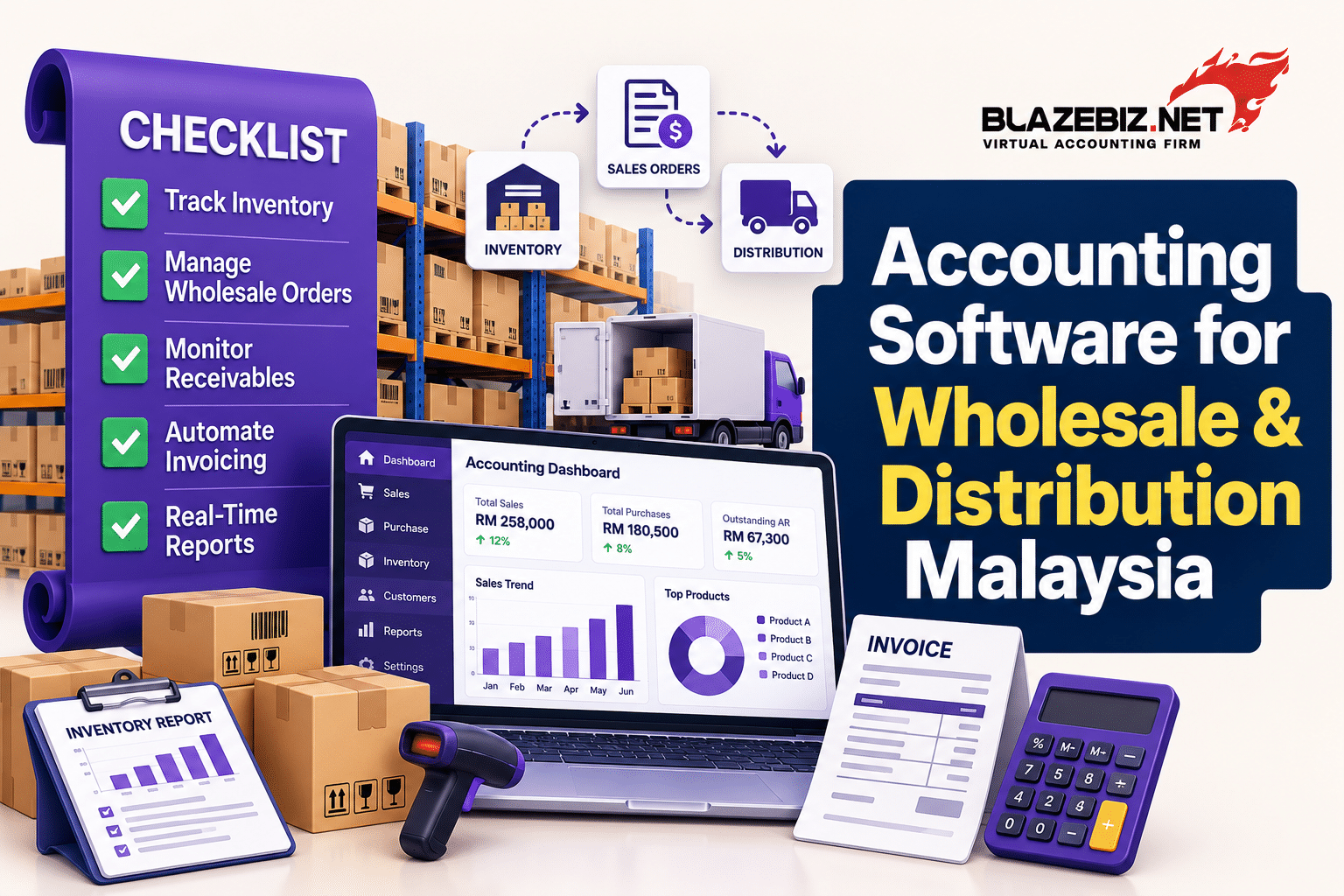
Accounting Software for Wholesale & Distribution Malaysia
Accounting Software for Wholesale & Distribution Malaysia
Published Date: October 3, 2026

Our Business is to
Simplify Yours
Our Business is to Simplify Yours
We stress very much on customer service and support – we understand that end-users need their queries attended to in a timely manner, and so we place a high level of resources to ensure you get the assistance you demand for in our company.

Explore
© All rights reserved. • Blazebiz Innovate Sdn Bhd | 202101032194 (1432494-V)