
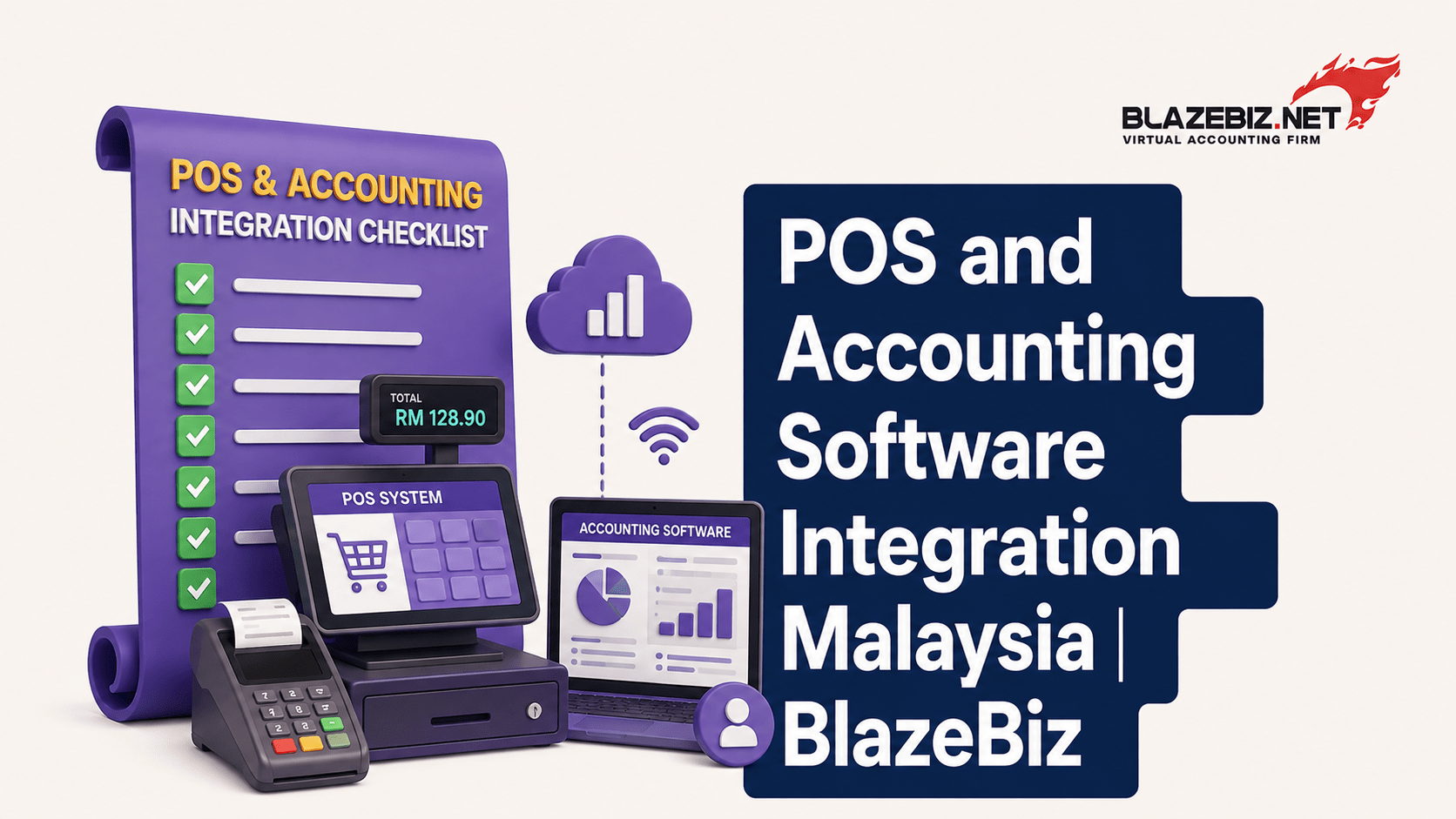
POS and Accounting Software: How Integration Can Save Your Business Time
For many Malaysian businesses, sales happen at the point of sale while financial records are managed somewhere else.
A customer makes a purchase through the POS system.
Then an employee may need to manually transfer the sales information into accounting software.
The result can be duplicated work, inconsistent records and hours spent checking data.
This is where POS and accounting software integration can make a significant difference.
By connecting sales, inventory and accounting data, businesses can reduce repetitive data entry and gain a clearer view of their daily operations.
What Is POS and Accounting Software Integration?
POS, or Point of Sale, software records transactions when customers purchase products or services.
Accounting software manages the financial side of the business, including sales, purchases, receivables, payables and reporting.
When the two systems are integrated, information can flow between them automatically or through a connected workflow.
A simplified process looks like this:
Customer Purchase → POS → Sales Data → Inventory Update → Accounting Records → Financial Reports
Instead of employees manually entering the same transaction into multiple systems, the connected workflow can reduce unnecessary administration.
Why Do Businesses Need POS and Accounting Integration?
A POS system is excellent for managing sales.
Accounting software is designed to manage financial records.
Using both systems independently can create a gap between what happens at the sales counter and what appears in the company’s financial records.
For example, imagine a retail business processing 200 sales transactions in a day.
Without integration, employees may need to:
Export sales information
Prepare accounting data
Enter or import transactions into the accounting system
Update inventory records
Check for discrepancies
Prepare financial reports
With an appropriate integration, much of this information can move through a connected workflow.
That means less repetitive work for employees.
7 Ways POS and Accounting Integration Can Save Time
1. Reduce Duplicate Data Entry
One of the biggest advantages is reducing the need to enter the same information multiple times.
Without integration:
POS → Manual Entry → Accounting
With integration:
POS → Accounting
When sales data can flow directly into the accounting system, employees can spend less time copying transaction information.
This is particularly useful for businesses with high daily transaction volumes.
2. Keep Inventory Information More Accurate
For product-based businesses, every sale affects inventory.
A connected system can help create a workflow where a completed sale updates stock information.
For example:
Product Sold → POS Transaction → Inventory Deduction → Updated Stock Balance
This gives businesses better visibility into available stock.
It can also reduce the need for employees to manually update spreadsheets after every sale.
3. Make Financial Reporting Faster
Business owners often need to know:
- Which products generated the most revenue?
- What are the outstanding customer balances?
- What are the business expenses?
- How is the business performing this month?
If sales data is already connected to the accounting system, financial information can be easier to consolidate.
Instead of waiting for employees to manually compile sales information, management can work with more organised transaction data.
Manual data entry creates opportunities for mistakes.
An employee might:
- Enter the wrong amount
- Enter a transaction twice
- Forget to record a sale
- Select the wrong product
- Update the wrong inventory quantity
Reducing unnecessary manual entry can help lower the risk of these errors.
Integration does not eliminate the need for proper controls, but it can reduce one common source of data inconsistencies.
5. Speed Up End-of-Day Reconciliation
Retail businesses often need to reconcile daily sales with payment information.
This may involve checking:
- Cash
- Credit cards
- Debit cards
- Online payments
- E-wallets
- Refunds
- Discounts
When POS and accounting information are connected appropriately, reconciliation can become more structured.
This can save employees time at the end of each business day.
6. Improve Customer and Sales Visibility
A connected business system can provide a more complete picture of sales activity.
Management can analyse information such as:
- Daily sales
- Product performance
- Sales trends
- Customer transactions
- Discounts
- Returns
- Inventory movement
Better visibility can help business owners make decisions based on current transaction data rather than manually prepared spreadsheets.
7. Reduce Month End Accounting Work
Month-end closing can become difficult when accounting teams need to collect information from several disconnected systems.
Sales data may be stored in the POS.
Inventory information may be maintained separately.
Expenses may be recorded in accounting software.
Payment information may exist in another report.
Connecting systems can help reduce the amount of manual consolidation required.
What Happens When POS and Accounting Software Are Not Integrated?
Not every business needs integration immediately.
However, as transaction volumes grow, disconnected systems can create several problems.
Manual Data Entry
Employees spend time transferring information between systems.
Data Duplication
The same information may exist in multiple spreadsheets or applications.
- Delayed Reporting
Management may not have an up-to-date view of business performance.
Inventory Differences
POS sales and accounting or inventory records may not always match.
More Reconciliation Work
Finance teams may need to spend additional time identifying differences.
Higher Administrative Costs
More manual processes mean more employee time spent maintaining records.
For a growing business, these costs can add up.
Who Can Benefit from POS and Accounting Integration?
Integration can be particularly useful for businesses that process frequent transactions.
Examples include:
Retail Stores
Retailers can connect sales, inventory and accounting workflows.
Supermarkets and Convenience Stores
Businesses with high transaction volumes can benefit from reducing repetitive data entry.
Restaurants and Cafés
POS systems can record orders and payments while accounting software manages the financial side.
Wholesalers
Wholesale businesses can benefit from connecting sales transactions with inventory and accounting.
Multi-Branch Businesses
Businesses operating several outlets can benefit from centralised financial visibility.
What Should You Look for in a POS and Accounting Solution?
Not every integration offers the same functionality.
Before choosing a solution, businesses should consider:
Sales Integration
Can POS sales information flow into the accounting system?
Inventory Synchronisation
Can stock movements be reflected accurately?
Payment Tracking
Can different payment methods be reconciled?
Reporting
Can management access useful sales and financial reports?
Multi-Branch Support
Can the system handle multiple outlets if the business expands?
User Access
Can different employees receive appropriate system permissions?
E-Invoice Compatibility
Does the overall solution support the business’s current e-Invoice requirements?
Scalability
Can the system continue to support the business as transaction volumes increase?
How SQL Accounting Software Fits Into the Workflow
For Malaysian businesses looking to connect operational activity with financial management, SQL Accounting Software can provide the accounting side of an integrated business environment.
Depending on the business setup and selected configuration, SQL Accounting can support areas such as:
- Sales
- Purchases
- Accounts receivable
- Accounts payable
- Inventory
- Customer records
- Supplier records
- Financial reporting
- E-Invoice-related workflows
When appropriately connected with POS and other business systems, this can help create a more organised flow of information.
The objective is simple:
- Capture the transaction once and use the information across the business wherever appropriate.
Example: A Retail Business Consider
a Malaysian clothing retailer with one physical store.
Every day, employees process customer purchases through the POS system.
The exact workflow depends on the systems and integration setup, but the principle remains the same: reduce unnecessary manual movement of data.
- Can POS and Accounting Integration Reduce Business Costs?
Yes, although the actual savings depend on the business.
The biggest potential savings often come from reducing the amount of employee time spent on repetitive administrative tasks.
For example, if finance staff previously spent several hours every week transferring sales data and reconciling records, an improved workflow could allow that time to be used for higher-value activities.
- Financial analysis
- Customer management
- Inventory planning
- Cash-flow management
- Business development
The goal is not simply to make accounting faster.
It is to make the entire business process more efficient.
Common Mistakes When Choosing an Integrated System
Businesses should avoid choosing a POS or accounting system based only on price.
Choosing Systems That Do Not Communicate Properly
A cheap POS may become expensive if employees still have to manually transfer data.
Ignoring Inventory Requirements
Retail and trading businesses should consider stock management alongside sales.
Forgetting Future Growth
A system that works for one store may not be suitable for five branches.
Not Checking Integration Capabilities
Always confirm exactly what data can be transferred between systems.
Focusing Only on POS Features
A good POS does not automatically mean you have a good accounting system.
The financial backend is equally important.
POS + Accounting Software vs Separate Systems
Feature Separate Systems Integrated Solution
Sales recording Yes Yes
Accounting records Separate Connected
Inventory updates May require manual work Can be synchronised
Data entry More manual Reduced
Reporting May require consolidation More connected
Reconciliation More time-consuming More streamlined
Scalability Can become complex Easier to manage when properly configured
The right solution depends on the size and requirements of the business, but integration becomes increasingly valuable as transaction volumes grow.
Frequently Asked Questions
What is POS and accounting software integration?
It is the connection between a point-of-sale system and accounting software so that relevant sales, payment, inventory or transaction information can flow between the systems.
Does POS integration eliminate manual accounting?
Not necessarily. Integration can reduce repetitive data entry, but businesses still need accounting controls, reconciliation, review and proper financial management.
Is POS integration useful for small businesses?
It can be, especially for businesses processing regular sales transactions or managing inventory. The value depends on transaction volume, business complexity and the amount of manual work currently involved.
Can POS and accounting software support inventory management?
Depending on the systems and configuration, POS transactions can be connected with inventory processes, helping businesses track sales and stock movements more efficiently.
- Can SQL Accounting integrate with POS systems?
The available integration depends on the specific POS solution, software version, configuration and integration method. Businesses should confirm compatibility and requirements before implementation.
Is POS integration useful for multi-branch businesses?
Yes. Multi-branch businesses can benefit from connecting sales and accounting information so management can gain better visibility across different outlets.
Save Time by Connecting Sales and Accounting
A POS system records what happens at the point of sale.
Accounting software records what those transactions mean financially.
When these systems work together, businesses can reduce repetitive data entry, improve information flow and spend less time reconciling disconnected records.
For Malaysian SMEs, the right combination of POS + accounting + inventory + e-Invoice workflows can create a more efficient foundation for growth.
BlazeBiz helps Malaysian businesses implement SQL Accounting Software and build accounting workflows suited to their operational requirements.
If your business is currently transferring sales data manually between POS, spreadsheets and accounting software, it may be time to review your setup.
Talk to BlazeBiz about SQL Accounting Software and find out how an integrated accounting workflow can save your team time.
