
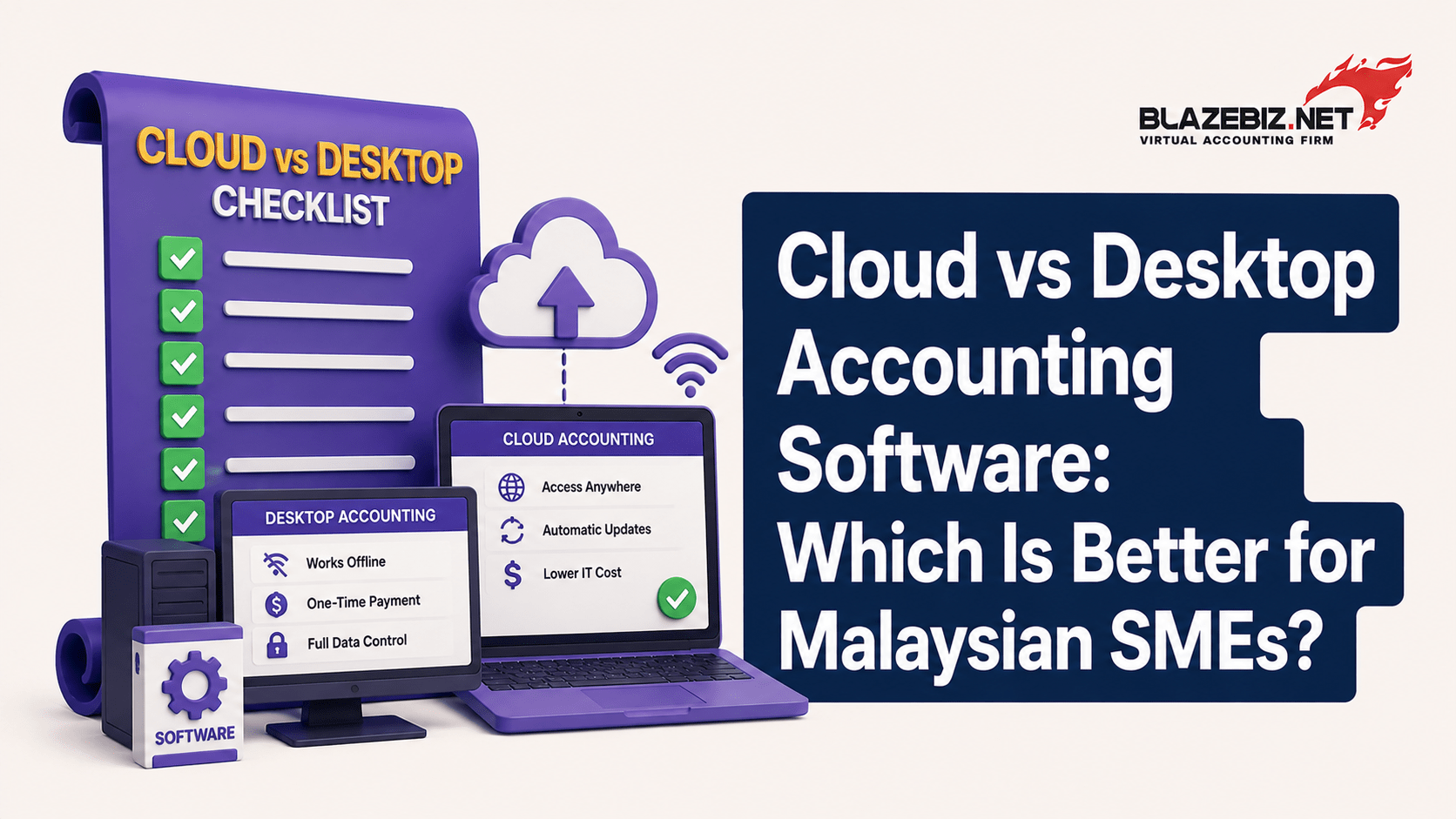
Choosing accounting software is an important decision for a growing Malaysian SME.
Businesses today can choose between cloud accounting software and desktop accounting software. Both options can help manage financial records, but they work differently.
So, which is better for your business?
The answer depends on your business size, number of users, working environment, internet connectivity, security requirements and accounting needs.
What Is Cloud Accounting Software?
Cloud accounting software stores business data on remote servers and allows authorised users to access the system through the internet.
Instead of installing everything on one office computer, users can typically access the system from different locations and devices, depending on the software.
Cloud accounting can be useful for businesses with:
- Remote finance teams
- Multiple locations
- Employees who need flexible access
- Growing operations
- Businesses that want less reliance on local infrastructure
What Is Desktop Accounting Software?
- Desktop accounting software is installed on computers or servers within the business environment.
- It can be suitable for businesses that prefer to keep their accounting system within their existing IT setup and have users working primarily from the office.
- Desktop systems can offer strong functionality and may be preferred by businesses that want greater control over their local environment.
- Cloud vs Desktop Accounting Software
- Feature Cloud Accounting Desktop Accounting
- Access Internet-based Usually local network/device
- Remote access Generally easier May require additional setup
- Data storage Cloud infrastructure Local computer/server
- Updates Often managed by provider May require manual updates
- Internet dependency Usually required Can often work locally
- Multiple locations Convenient for distributed teams May require network configuration
- IT infrastructure Less local infrastructure May require local hardware/server
- User access Flexible, depending on system Typically managed within local environment
- Neither option is automatically better for every Malaysian SME.
Benefits of Cloud Accounting Software
1. Access From Different Locations
Cloud systems can make it easier for authorised users to access financial information outside the office.
This can be useful for business owners who travel or companies with multiple locations.
2. Less Dependence on Local Hardware
Because the system operates through cloud infrastructure, businesses may not need to maintain the same level of local server infrastructure.
This can simplify IT management.
3. Easier Updates
Many cloud solutions manage software updates centrally, reducing the need for businesses to install every update manually.
4. Useful for Growing Businesses
Companies expanding into new branches or adopting more flexible working arrangements may find cloud access convenient.
Benefits of Desktop Accounting Software
1. Local Access
Desktop accounting software can allow businesses to work within their local environment without depending entirely on an internet connection.
2. Familiar Office Setup
Businesses that already have established local accounting systems may find desktop software easier to integrate into their existing workflow.
3. Control Over Local Infrastructure
Some businesses prefer to maintain greater control over where their accounting environment is hosted and how it is managed.
4. Suitable for Office-Based Teams
If your finance team works primarily from one location, a desktop or local-network accounting system may meet your requirements effectively.
Which Is More Secure?
Security depends on how the software and IT environment are configured and managed.
Cloud providers may invest in:
- Data encryption
- Access controls
- Backups
- Security monitoring
- Infrastructure protection
Desktop systems can also be secure when businesses maintain proper:
- User permissions
- Antivirus protection
- Firewalls
- Backups
- Access controls
- Software updates
The important point is not simply cloud vs desktop.
Businesses should evaluate the security practices of the specific software provider and their own internal processes.
What About Internet Connectivity?
This is an important consideration for Malaysian businesses.
Cloud accounting generally depends on a reliable internet connection.
If your business operates in an environment with unstable connectivity, this should be considered before choosing a cloud-based system.
Desktop accounting can provide greater local independence, depending on the software.
Which Option Is Better for a Growing SME?
For businesses with multiple branches, remote users or a strong need for flexible access, cloud accounting can be attractive.
For businesses that operate mainly from one location and prefer a local accounting environment, desktop software may still be appropriate.
The best choice depends on your actual workflow.
What About E-Invoice and Integration?
Malaysia’s e-Invoice requirements have made software integration increasingly important.
When choosing accounting software, businesses should consider how the system supports their e-Invoice workflow and whether it can work with other systems such as:
- POS
- Inventory
- Payroll
- Banking
- Business reporting
The goal should be to avoid creating another disconnected system.
- How SQL Accounting Fits Into the Decision
SQL Accounting Software is used by Malaysian businesses to manage accounting and related business processes.
Depending on the selected version, modules and configuration, businesses can manage areas such as:
- Sales
- Purchases
- Accounts receivable
- Accounts payable
- Inventory
- Customer and supplier records
- Financial reporting
- E-Invoice-related workflows
For businesses considering a move from Excel or an older accounting system, the important question is not simply whether cloud or desktop is better.
It is:
Which SQL Accounting setup best fits the way your business operates?
5 Questions to Ask Before Choosing
Before investing in accounting software, ask:
1. Where do your employees work?
If your team works across different locations, cloud access may be more convenient.
2. How reliable is your internet connection?
Cloud systems generally require consistent internet access.
3. How many users need access?
Consider finance staff, management, sales teams, warehouse employees and other users.
4. Do you need POS or inventory integration?
Retailers and trading businesses should consider the entire workflow rather than accounting alone.
5. How will your business grow?
Choose software that can support increasing transaction volumes, users, products and branches.
Frequently Asked Questions
Is cloud accounting better than desktop accounting?
Not necessarily. Cloud accounting is often more convenient for remote and multi-location access, while desktop accounting can be suitable for businesses that prefer a local environment.
Is cloud accounting safe?
Cloud accounting can be secure when the provider uses appropriate security controls, backups, encryption and access management. Businesses should evaluate the specific provider before making a decision.
Can desktop accounting work without the internet?
Many desktop systems can operate locally, although certain integrations and online services may require internet connectivity.
- Which is better for a small Malaysian business?
It depends on the business. A small office-based company may be comfortable with desktop accounting, while a business with remote users or multiple branches may prefer cloud access.
Can SQL Accounting be used by Malaysian SMEs?
Yes. SQL Accounting is designed to support Malaysian businesses with accounting and related business processes. The appropriate configuration depends on the company’s requirements.
Cloud and desktop accounting software both have advantages.
The right choice depends on your users, locations, internet connectivity, accounting requirements, integrations, budget and future growth plans.
Rather than choosing software simply because it is labelled “cloud” or “desktop”, evaluate how it will fit into your actual business workflow.
BlazeBiz helps Malaysian businesses implement SQL Accounting Software based on their accounting and operational requirements.
If you’re moving away from Excel, upgrading an existing accounting system or looking for a better way to manage your growing business, talk to BlazeBiz about the right SQL Accounting solution for you.
