
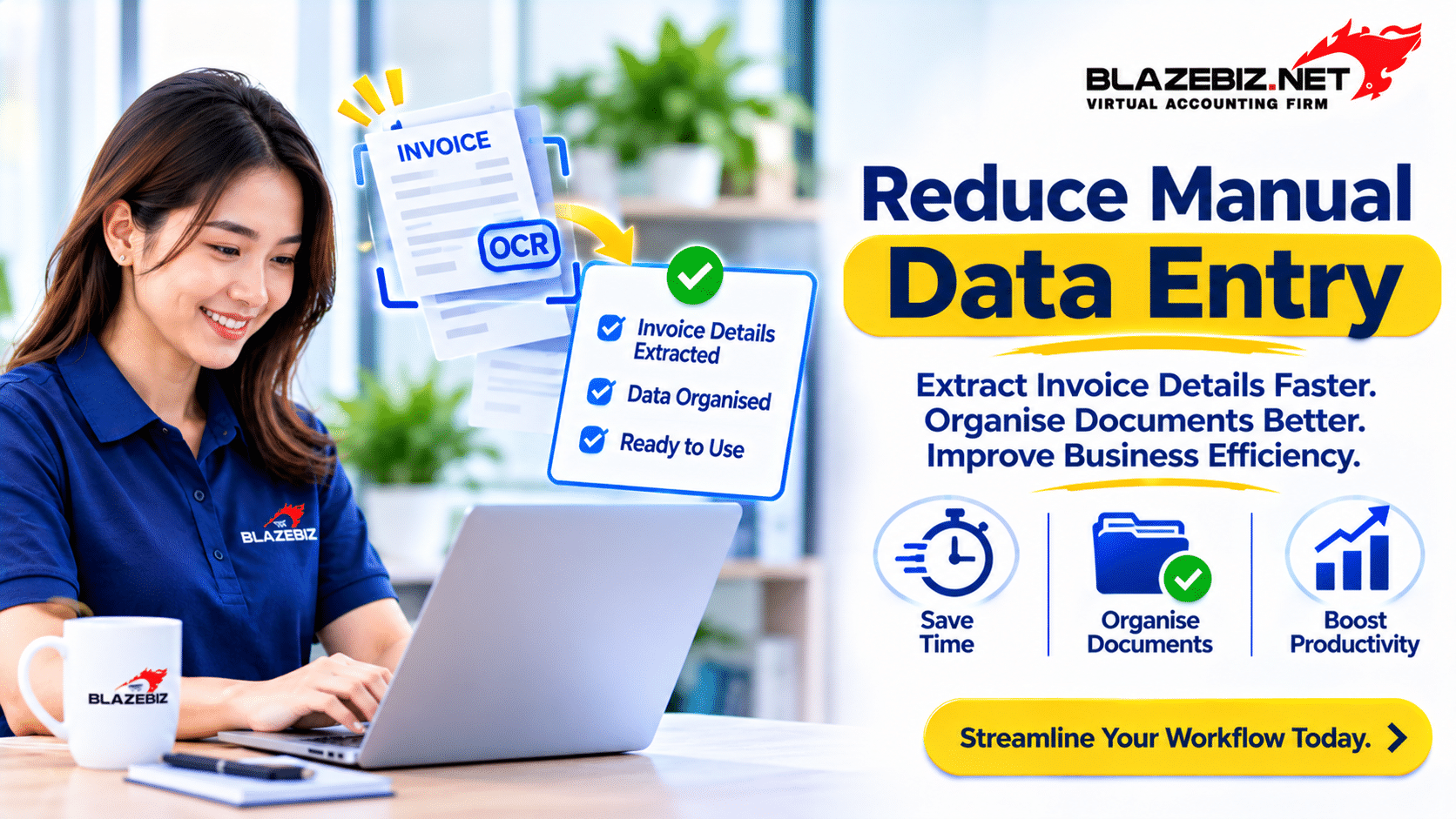
Every day, businesses receive invoices, receipts and other financial documents from suppliers, customers and service providers. These documents contain important information such as invoice numbers, dates, company names, item descriptions, quantities, prices and payment amounts.
For many Malaysian small and medium-sized enterprises (SMEs), extracting this information still involves manual data entry. Employees need to open each document, read the details and enter the information into accounting software, spreadsheets or internal records.
As the number of transactions increases, this process can become time-consuming. A small typing mistake, incorrect amount or missing invoice number can also create problems during payment processing, reconciliation and financial reporting.
This is where Optical Character Recognition (OCR) technology can help. OCR allows computers to recognise text from scanned documents and images, making it possible to extract information without manually typing every detail.
For businesses looking to improve document management, understanding how OCR works can be an important step towards reducing repetitive administrative tasks and improving operational efficiency.
What Is OCR Technology?
Optical Character Recognition (OCR) is a technology that identifies and converts text from images, scanned documents and photographs into machine-readable text.
For example, when a business receives a supplier invoice as a scanned PDF or image, OCR technology can recognise the printed text and convert it into digital information.
Instead of employees manually typing every detail, an OCR-enabled solution may extract information such as:
- Supplier or company name
- Invoice number
- Invoice date
- Purchase order reference
- Item descriptions
- Quantities and unit prices
- Subtotal and total amount
- Tax information, where applicable
The extracted information can then be reviewed and transferred into an appropriate business system, depending on the software’s capabilities and integration options.
Why Malaysian SMEs Should Pay Attention to OCR
Many SMEs manage a continuous flow of documents from suppliers, customers and business partners. As operations grow, the volume of invoices and receipts can increase significantly.
Businesses that continue relying entirely on manual processing may face several operational challenges.
1. Time-Consuming Manual Data Entry
Employees may spend considerable time entering information from invoices into accounting systems. Each document needs to be opened, checked and processed individually.
For example, a wholesale business receiving 40 supplier invoices in one day may need to allocate additional administrative time to record invoice numbers, dates, item details and amounts.
As the volume increases, employees may have less time to focus on other important activities such as supplier communication, payment monitoring and financial record reviews.
2. Data Entry Errors
Manual data entry can result in incorrect invoice numbers, dates, quantities or financial amounts. Even a small mistake may affect purchase records or create differences during account reconciliation.
For example, entering RM1,850 instead of RM1,580 can create an incorrect purchase record if the error is not identified during verification.
OCR can reduce repetitive typing, but extracted information must still be checked because recognition errors can occur, particularly when documents are unclear or poorly formatted.
3. Difficulty Managing Large Numbers of Documents
Invoices and receipts may arrive through email, messaging applications, physical documents and supplier portals. When these files are stored in different locations, employees may struggle to locate the correct document.
This becomes especially challenging when management needs to retrieve an old invoice, verify a supplier transaction or investigate a payment difference.
4. Delays in Invoice Processing
When invoice information is entered manually, the processing time depends on employee availability and the number of documents waiting for review.
Delays may affect the accounts payable process, especially when invoices need to be checked and approved before their payment due dates.
5. Difficulty Maintaining Consistent Records
Different employees may record invoice information using different descriptions, formats or naming conventions. This can make it harder to search for documents and compare transaction details.
A consistent document processing workflow helps businesses maintain more organised records and simplifies future reviews.
How OCR Invoice Processing Works
OCR invoice processing generally follows several steps. The exact workflow depends on the software, document format and level of automation available.
Step 1: Upload or Capture the Document
The business receives an invoice or receipt and captures it as a digital file. This may involve scanning a physical document, uploading a PDF or taking a photograph using a mobile device.
Step 2: OCR Recognises the Text
The OCR engine analyses the document image and identifies characters, words and numbers. It converts the recognised text into digital information that can be processed further.
Step 3: Important Information Is Extracted
Depending on the solution, document processing technology may identify relevant invoice fields such as the supplier name, invoice number, date, item descriptions and total amount.
Some advanced solutions use additional document recognition or AI-based extraction techniques to identify information based on its position and context.
Step 4: Review and Verify the Extracted Information
Before the information is used for accounting or payment processing, employees should compare the extracted details against the original document.
They should pay particular attention to invoice totals, tax amounts, supplier details, quantities and invoice references.
Step 5: Transfer Information into the Business System
Once the information has been verified, it can be entered or transferred into the relevant accounting or document management system.
Depending on the solution, this step may be completed manually, through file import or using an available software integration.
Example: Manual Invoice Entry vs OCR Processing
Consider a Malaysian trading company that receives 30 supplier invoices every working day. Each invoice contains supplier details, invoice references, item information and payment amounts.
The following example illustrates how the workflows may differ. The figures are hypothetical and are intended to explain the process, not represent guaranteed OCR performance.
| Activity | Manual Processing | OCR-Assisted Processing |
|---|---|---|
| Document capture | Open and review each document | Upload or scan the document |
| Information extraction | Read and type details manually | Recognise text automatically |
| Data verification | Check entered details against invoice | Review extracted details against invoice |
| Record entry | Enter information into the business system | Import or transfer information if supported |
| Document storage | Save files using manual naming procedures | Store digital documents using an organised workflow |
OCR-assisted processing can reduce repetitive typing, but it does not remove the need for verification, approval and proper document management.
Which Business Documents Can Use OCR?
Although OCR is commonly associated with invoice processing, it can also be used to recognise text from different types of business documents.
| Document Type | Potential OCR Application |
|---|---|
| Supplier Invoices | Extract supplier details, invoice references and amounts. |
| Sales Receipts | Recognise transaction dates, descriptions and totals. |
| Purchase Orders | Capture item descriptions, quantities and order references. |
| Delivery Orders | Recognise delivery references and product information. |
| Expense Claims | Extract receipt information for employee expense reviews. |
| Bank Documents | Recognise text from supported statements and financial documents. |
The ability to extract information from each document depends on the OCR solution, document quality and supported formats.
Benefits of OCR for Small and Medium-Sized Businesses
1. Reduce Repetitive Administrative Work
Employees can spend less time typing information that is already available in digital or scanned documents. This allows them to focus more on verification, supplier communication and other administrative responsibilities.
2. Improve Data Processing Consistency
Using a standardised extraction and verification process helps businesses maintain consistent invoice information. It can also reduce variations caused by different employees entering similar information in different ways.
3. Improve Document Retrieval
Digital document management makes it easier to organise invoices and receipts by supplier, date, reference number or document category.
When documents are stored with consistent naming conventions and searchable information, employees can retrieve records more easily.
4. Support Faster Invoice Reviews
When invoice information is extracted into a structured format, employees can review important details without repeatedly typing everything from the original document.
This may help businesses organise their invoice review and approval process more efficiently.
5. Support Business Growth
As a business expands, the number of supplier invoices, receipts and purchase documents usually increases. A more structured document processing workflow can help the company manage higher document volumes without relying entirely on additional manual administration.
Common OCR Challenges Businesses Should Understand
Although OCR offers useful document processing capabilities, it is important to understand its limitations before implementing the technology.
1. Poor Document Quality
Blurred photographs, faded printing, folded documents and low-resolution scans can affect text recognition accuracy.
Businesses should use clear scans or photographs and ensure that important document details are visible.
2. Different Invoice Formats
Suppliers may use different invoice layouts, fonts and document structures. Some invoices may place the total amount at the bottom, while others display it in a separate summary section.
The OCR solution must be capable of handling the document formats used by the business.
3. Incorrect Recognition of Numbers
Characters such as 0 and O, 1 and I, or decimal points may be misinterpreted. These mistakes can affect invoice numbers, quantities and financial amounts.
Financial information should always be verified before being posted into accounting records or used for payment.
4. Integration Limitations
Not every OCR application connects directly to every accounting system. Some solutions may only generate extracted text or spreadsheets, while others provide direct integration.
Businesses should confirm supported integrations, import formats and data transfer procedures before choosing a solution.
5. Data Security and Confidentiality
Invoices and receipts may contain confidential business information, supplier details and financial data. Businesses should understand how documents are stored, who can access them and how information is protected.
Access controls, appropriate storage arrangements and clear document handling procedures are important when introducing OCR technology.
How to Prepare Your Business for OCR Implementation
Before adopting OCR, businesses should review their existing document processing activities. A clear implementation plan helps ensure that the technology addresses actual operational problems.
1. Identify Documents That Require the Most Manual Work
Start by identifying which documents take the most time to process. For example, a wholesale business may receive a large number of supplier invoices, while a service company may handle many receipts and expense claims.
2. Standardise Document Collection
Create a consistent process for receiving and storing invoices. Decide where documents should be submitted, how they should be named and which employees are responsible for reviewing them.
3. Choose the Right OCR Solution
Compare available solutions based on supported document formats, recognition capabilities, extraction fields, integration options, security and pricing.
4. Test with Real Business Documents
Before using the solution across the entire business, test it with actual supplier invoices and receipts. Review how accurately it recognises different layouts and whether employees can correct extracted information easily.
5. Establish a Verification and Approval Process
Assign responsibility for reviewing extracted information before it enters the accounting system. Establish clear procedures for handling incorrect amounts, duplicate documents and missing information.
How OCR Fits into Modern Accounting and Business Management
OCR is most useful when it forms part of a wider document and accounting workflow. Recognising text from an invoice is only one stage of the process.
After information has been extracted, businesses still need to verify transactions, maintain supplier records, record purchases and monitor payments.
For example, a typical supplier invoice workflow may involve:
- Receive a supplier invoice.
- Scan or upload the document.
- Extract relevant information using OCR, where available.
- Verify supplier, item and financial details.
- Match the invoice with relevant purchase or delivery records, where applicable.
- Record the transaction in the accounting system.
- Monitor the payment due date.
- Store the original document for future reference.
An organised accounting system helps businesses maintain financial records after the document processing stage. For Malaysian SMEs, solutions such as SQL Accounting can support accounting and transaction management, subject to the product’s available features and configuration.
Businesses should separately confirm whether their chosen OCR solution supports integration with their accounting software. OCR capabilities should not be assumed to be included in an accounting package unless the relevant feature has been verified.
Practical OCR Implementation Checklist for Malaysian SMEs
Use this checklist when evaluating whether OCR technology is suitable for your business:
- Identify documents that require repetitive manual data entry.
- Estimate the number of invoices and receipts received monthly.
- Identify the information that needs to be extracted.
- Check whether the OCR solution supports your document formats.
- Test recognition accuracy using real supplier documents.
- Confirm whether the solution supports your accounting software.
- Establish a process for reviewing extracted information.
- Set appropriate document access permissions.
- Define how digital documents will be stored and retrieved.
- Review processing time, costs and operational improvements after implementation.
Conclusion
Managing invoices and receipts manually can become increasingly difficult as a business grows. Repetitive data entry, document retrieval problems and incorrect transaction details can affect administrative efficiency and financial record management.
OCR technology provides businesses with a way to recognise text from scanned documents and convert it into digital information. When combined with proper verification procedures and an organised accounting workflow, it can help reduce repetitive typing and improve document management.
For Malaysian SMEs, the first step is to identify where manual document processing consumes the most time. Businesses can then evaluate suitable OCR solutions, test them using real documents and ensure that extracted information can be used effectively within their existing accounting processes.
Digital transformation does not require changing every business process at once. By improving one important workflow at a time, businesses can build more efficient operations and prepare for future growth.
Frequently Asked Questions (FAQ)
1. What is OCR technology in accounting?
OCR technology in accounting is used to recognise and extract text from financial documents such as invoices, receipts and scanned statements. It converts the recognised information into digital text that can be reviewed and processed further.
2. Can OCR automatically extract information from supplier invoices?
Yes, OCR-enabled solutions can recognise information such as supplier names, invoice numbers, dates and amounts. The exact extraction capabilities depend on the software, document quality and invoice format. Extracted details should be verified before use.
3. Is OCR suitable for small businesses in Malaysia?
Yes. OCR may be useful for small businesses that regularly process invoices, receipts and other documents. The suitability depends on document volume, processing requirements, software costs and available integrations.
4. Does OCR eliminate manual data entry completely?
Not necessarily. OCR can reduce repetitive typing, but employees may still need to verify extracted information, correct recognition errors and approve transactions before records are updated.
5. Can OCR integrate with accounting software?
Some OCR solutions support integration with accounting software through direct connections, APIs or file imports. Businesses should confirm compatibility and supported data fields before implementation.
6. What types of documents can OCR recognise?
Depending on the solution, OCR can recognise text from supplier invoices, receipts, purchase orders, delivery orders, expense documents and other scanned or image-based business records.
