
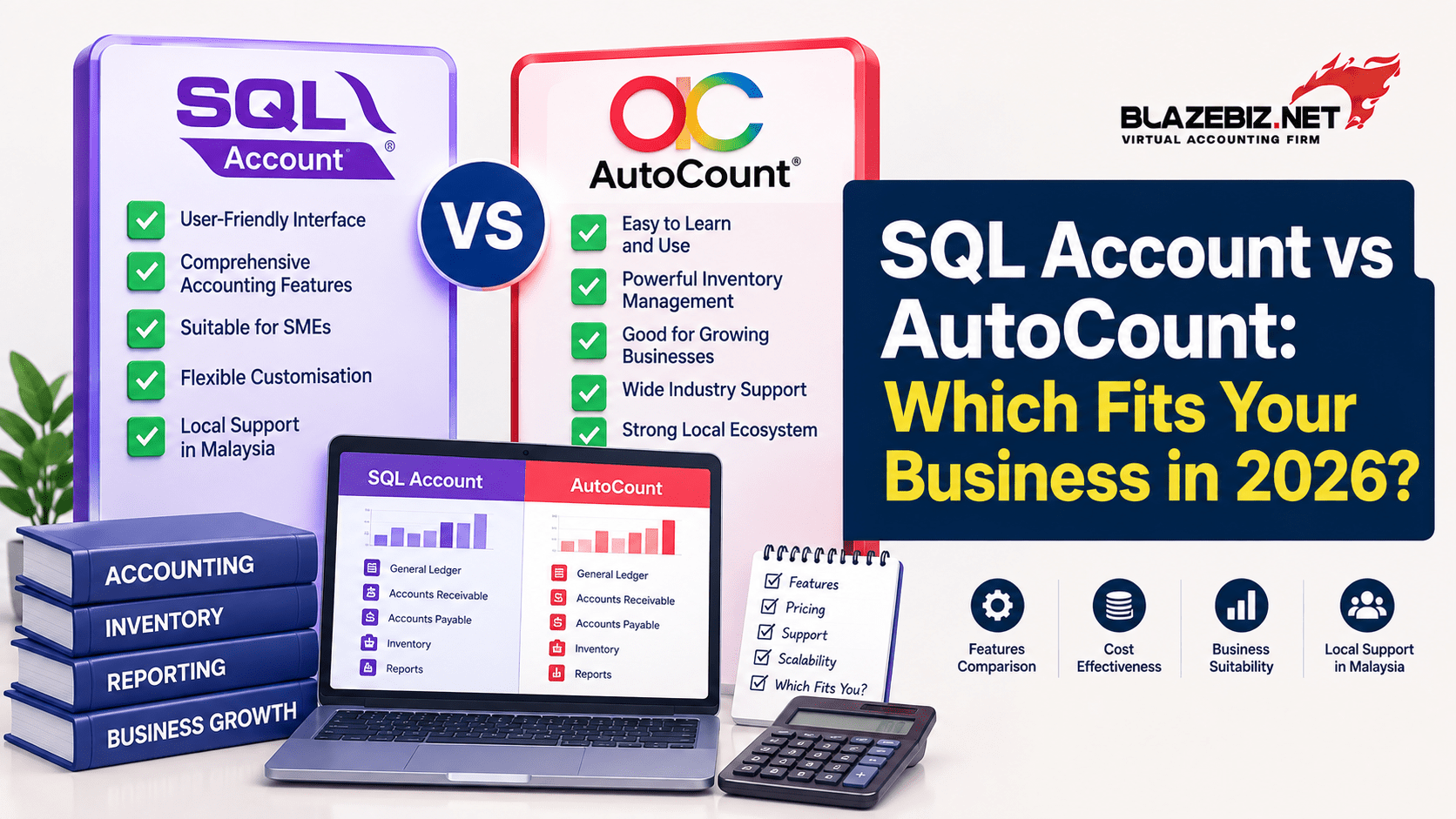
SQL Account vs AutoCount: Which Accounting Software Fits Your Business in 2026?
Choosing between SQL Account and AutoCount? Both are established accounting software options available to Malaysian businesses, but the better choice depends on your business size, accounting workflow, inventory requirements, e-Invoice needs, cloud preferences and budget.
This guide compares the key areas businesses should consider before choosing accounting software in Malaysia in 2026.
Quick Answer: SQL Account or AutoCount?
There is no single accounting system that is best for every business.
SQL Account may be a strong fit for businesses looking for extensive accounting, inventory, reporting and workflow customisation, with options covering desktop, cloud and mobile-connected workflows.
AutoCount offers a broad accounting ecosystem with accounting, inventory, billing and other business modules, as well as cloud accounting plans with built-in e-Invoice functionality.
The right choice depends on how your business operates rather than simply choosing the software with the longest feature list.
What Should You Compare Before Choosing Accounting Software?
Instead of comparing software based only on price, consider these areas:
- Accounting and financial reporting
- Sales and purchasing
- Inventory management
- Multi-location operations
- e-Invoice capabilities
- Cloud accessibility
- Bank reconciliation
- Reporting and customisation
- POS integration
- Support and training
- Monthly or annual cost
- Ability to scale with your business
SQL Account vs AutoCount: Feature Comparison
| Business Requirement | SQL Account | AutoCount |
|---|---|---|
| Accounting | General ledger, sales, purchase, customer and supplier management | Accounting, GL, AR, AP and related modules |
| Inventory | Inventory management, stock costing, multiple warehouses and stock reporting | Inventory and stock management available across relevant plans/modules |
| e-Invoice | Supports Malaysian e-Invoice workflows through SQL's ecosystem | Cloud Accounting includes LHDN e-Invoice functionality |
| Cloud | Cloud and desktop options are available | Dedicated cloud accounting plans are available |
| Reporting | Extensive and customisable reporting capabilities | Accounting, sales, purchase and financial reporting |
| Multi-location | Multiple warehouse and branch-related inventory functions | Multi-location functionality available on selected cloud plans |
| Business customisation | Workflow and user-defined field customisation | Multiple modules and configurable business functionality |
Feature availability can vary by product edition, plan, module and implementation. Always confirm the exact functions included in the package you intend to purchase.
1. Accounting and Financial Management
Accounting remains the foundation of any business management system.
SQL Account
SQL Account provides modules covering general ledger, customers, suppliers, sales, purchases, stock and financial reporting. Its reporting environment includes financial statements and drill-down capabilities to help users move from report figures to underlying transactions.
SQL also supports features such as flexible financial reports, multiple levels of GL accounts and consolidation capabilities for multiple companies. :contentReference[oaicite:1]
AutoCount
AutoCount Accounting provides accounting, sales, purchase and inventory functions, with its flagship accounting product covering GL, AR, AP, billing, inventory and additional business modules. :contentReference[oaicite:2]
Which is better?
If detailed accounting reports and workflow customisation are important to your business, compare the specific reporting and customisation features of both systems before making a decision.
2. Inventory Management
Inventory can become one of the biggest challenges for trading, retail, distribution and manufacturing businesses.
SQL Account inventory features
SQL Account offers inventory functions including FIFO and weighted-average stock costing, multiple warehouse management, multiple units of measurement, barcode generation and stock reporting. It also provides stock reorder advice and inter-branch stock transfer capabilities. :contentReference[oaicite:3]
AutoCount inventory features
AutoCount Accounting also provides inventory capabilities as part of its broader business management ecosystem. Its current cloud plans include inventory tracking and multi-location functionality on selected plans. :contentReference[oaicite:4]
Which should you choose?
Businesses with complex inventory workflows should compare stock costing, warehouse management, stock transfers, product units, reporting and barcode requirements rather than simply asking whether a system "has inventory."
3. e-Invoice Requirements in Malaysia
e-Invoice has become an important consideration when selecting accounting software in Malaysia.
Why e-Invoice integration matters
Businesses should avoid selecting accounting software without considering how invoices, customer information and accounting records will connect with their e-Invoice workflow.
A connected workflow can reduce repetitive data entry and make it easier for finance teams to manage transactions.
SQL Account
SQL's current platform promotes LHDN MyInvois compliance and e-Invoice functionality as part of its accounting ecosystem. :contentReference[oaicite:5]
BlazeBiz also provides an e-Invoice solution for Malaysian businesses.
AutoCount
AutoCount Cloud Accounting currently promotes built-in LHDN e-Invoice functionality, including direct submission for validation. :contentReference[oaicite:6]
What should you check?
- How e-Invoices are created
- How customer information is maintained
- How rejected documents are handled
- How credit notes and adjustments are processed
- Whether e-Invoice functionality is included in your selected plan
- Whether your accounting and invoicing workflows remain connected
4. Cloud Accounting and Remote Access
Cloud access has become increasingly important for businesses with owners, accountants or teams working from different locations.
SQL Account
SQL currently offers desktop, cloud and mobile-connected options, allowing businesses to choose an operating model based on their workflow. :contentReference[oaicite:7]
AutoCount
AutoCount Cloud Accounting provides browser-based accounting with different plans designed for different business needs, including plans for start-ups, professional services, trading businesses and multi-warehouse operations. :contentReference[oaicite:8]
What should businesses consider?
Do not choose cloud accounting simply because it is accessible from a browser. Also consider data ownership, backups, user access, internet dependency, support, integrations and the modules included in the subscription.
5. Pricing: What Should You Look At?
Software pricing can be difficult to compare because different providers structure their plans differently.
SQL Account pricing
SQL's currently published pricing page lists an Essential plan at RM79/month and a Pro plan at RM109/month, with additional users charged separately. The Pro plan adds features such as inventory tracking, multiple currencies and advanced sales and purchase reports. :contentReference[oaicite:9]
AutoCount Cloud pricing
AutoCount's current cloud accounting page lists Basic, Plus, Pro and Accountant plans at different monthly rates, with functionality varying by plan. The published page currently lists standard monthly prices of RM70, RM100, RM140 and RM180 respectively, while promotional pricing may also be displayed separately. :contentReference[oaicite:10]
Don't compare only the monthly price
Before choosing, calculate the total cost of ownership, including:
- Number of users
- Accounting modules
- Inventory modules
- e-Invoice functionality
- Cloud hosting
- Support
- Training
- Data migration
- Additional integrations
- Future upgrades
6. Reporting and Business Visibility
Good accounting software should do more than record transactions.
It should help management understand business performance.
SQL Account reporting
SQL Account provides financial reports and flexible reporting capabilities, including profit and loss, balance sheet, trial balance, sales analysis and other business reports. Its reporting tools also support filtering and drill-down into source documents. :contentReference[oaicite:11]
AutoCount reporting
AutoCount provides financial, sales and purchase reporting within its accounting ecosystem. The exact reports and features available can depend on the product and plan selected.
Which reporting system is right for you?
Ask for a demonstration using your own business scenario. A report that looks impressive in a product brochure may not be useful if it cannot answer the questions your management team actually asks.
7. POS and Retail Integration
If you operate a retail business, accounting software should ideally work with your sales and inventory workflow.
SQL provides SQL POS, which is designed to integrate sales, inventory and accounting workflows. SQL's documentation describes automatic updates for inventory, orders and customer data when POS transactions are integrated with SQL Accounting. :contentReference[oaicite:12]
AutoCount also offers POS and retail solutions within its wider product ecosystem.
For retailers, the important question is not simply which accounting software has a POS product. Compare how sales, stock, payments and accounting data move between the systems.
8. Which Software Is Better for Different Business Types?
| Business Type | What to Prioritise |
|---|---|
| Trading company | Inventory, purchasing, sales, customer credit and reporting |
| Retail business | POS, barcode, inventory and branch management |
| Distributor | Warehouse management, stock costing and sales reporting |
| Service company | Invoicing, expenses, accounting and financial reporting |
| Multi-branch business | Multi-location operations, user controls and centralised reporting |
| Growing SME | Scalability, integrations, cloud access and automation |
9. When Should You Choose SQL Account?
SQL Account may be worth considering if your business needs:
- Detailed accounting functionality
- Strong inventory management
- Multiple warehouse capabilities
- Customisable reports
- Workflow customisation
- Desktop and cloud options
- POS integration
- e-Invoice functionality
- Industry-specific accounting workflows
SQL also lists specialised solutions for industries including construction, property management, shipping and forwarding, distributors and wholesalers. :contentReference[oaicite:13]
10. When Should You Choose AutoCount?
AutoCount may be worth considering if your business prioritises:
- A broad business software ecosystem
- Cloud accounting
- Integrated e-Invoice functionality
- Accounting and inventory modules
- Different subscription options
- Retail and POS solutions
- Accounting firm or multi-client workflows
AutoCount's current product ecosystem includes accounting, POS, HRMS, e-Invoice and other business solutions. :contentReference[oaicite:14]
11. SQL Account vs AutoCount: The Final Decision
Both SQL Account and AutoCount can be suitable for Malaysian businesses. The better choice depends on your actual workflow, not simply the brand name.
Choose based on your business requirements
Before signing up, prepare a list of your most important requirements.
- How many users need access?
- Do you need inventory management?
- Do you operate multiple branches?
- Do you need POS integration?
- How important is e-Invoice integration?
- Do you need cloud access?
- Which financial reports do you use?
- Do you need customised workflows?
- What is your monthly software budget?
- What support and training does your team need?
Ask for a real demonstration
The best way to compare accounting software is to test it using your own business process.
For example, ask the provider to demonstrate:
- Creating a quotation
- Converting it into an invoice
- Recording customer payment
- Checking outstanding balances
- Processing a purchase
- Updating stock
- Generating a profit and loss report
- Processing an e-Invoice
- Handling a credit note
This gives you a much clearer understanding of which system fits your business.
Why Consider BlazeBiz for SQL Accounting?
If you are considering SQL Account for your Malaysian business, BlazeBiz SQL Accounting can help you explore an accounting setup based on your business requirements.
SQL Accounting supports accounting, sales, purchases, customer and supplier management, inventory, reporting and other business functions. Its current platform also provides cloud and mobile-connected options. :contentReference[oaicite:15]
For businesses that also need retail operations, SQL POS can help connect sales and inventory processes with the accounting environment.
And if e-Invoice is part of your current requirements, you can explore the BlazeBiz e-Invoice solution.
Looking for the Right Accounting Software?
Compare your business requirements with the right SQL Accounting setup and see how it can support your accounting, inventory, reporting and e-Invoice workflow.
Frequently Asked Questions
Is SQL Account better than AutoCount?
Neither software is universally better. The right choice depends on your business size, accounting workflow, inventory requirements, cloud needs, e-Invoice requirements, integrations and budget.
What is the difference between SQL Account and AutoCount?
Both provide accounting and business management functions, but their product structures, modules, workflows, cloud offerings, pricing and ecosystem differ. Businesses should compare the exact features included in the plans they are considering.
Which is better for inventory management, SQL Account or AutoCount?
Both offer inventory capabilities. SQL Account provides features such as multiple warehouse management, FIFO and weighted-average costing, multiple UOM and stock reporting. AutoCount also provides inventory functionality, with features depending on the selected product and plan.
Which is better for e-Invoice in Malaysia?
Both SQL Account and AutoCount offer e-Invoice-related functionality. SQL promotes LHDN MyInvois integration within its accounting ecosystem, while AutoCount Cloud Accounting currently includes LHDN e-Invoice functionality. Businesses should compare the exact workflow and plan before choosing.
Is SQL Account suitable for Malaysian SMEs?
Yes. SQL Account is designed for businesses ranging from small businesses to larger organisations and supports accounting, sales, purchasing, inventory and reporting workflows.
Should I choose cloud or desktop accounting software?
It depends on your business requirements. Cloud accounting can be useful for remote access and distributed teams, while desktop or hybrid options may suit businesses that need greater control over their local operating environment.
Conclusion
Choosing between SQL Account and AutoCount should not come down to which software has more features or the lowest advertised price.
The better approach is to compare each system against your actual business requirements, including accounting, inventory, reporting, e-Invoice, POS, cloud access, integrations, support and long-term costs.
If you are looking for a flexible accounting solution for your Malaysian business, explore BlazeBiz SQL Accounting and discuss your requirements with the team.
Ready to Compare Your Options?
Find out whether SQL Accounting is the right fit for your business.
